Smart speaker Bose Portable Smart Speaker with AirPlay
Independent
Like all Bluetooth speakers, the Bose Portable Smart Speaker supports Bluetooth connections. However, Bluetooth has a limited range of 10 meters and requires a device to remain connected to stream audio to the speaker. The Bose Portable Smart Speaker lives up to its name, though: it can play music on its own, acting as the audio source.

Out of the box, the speaker is connected to TuneIn, a service for listening to radio stations and podcasts. It offers several dozen Ukrainian stations and groups podcasts and stations by topic, country, and language. For music, Spotify, Deezer, and Amazon Music are available; you can sign in to your accounts through the Bose Music app. The speaker can play music from these services on its own. Alexa and Google Assistant are available for playback control, but at present (early 2024), neither voice assistant is available for Bose smart speakers in Ukraine, nor is streaming content via Chromecast. You can still skip tracks, pause playback, and adjust the volume using the physical buttons on the speaker. The buttons are also very pleasant to the touch. You can select and play a song or station through the Bose Music app.
Small and good-looking
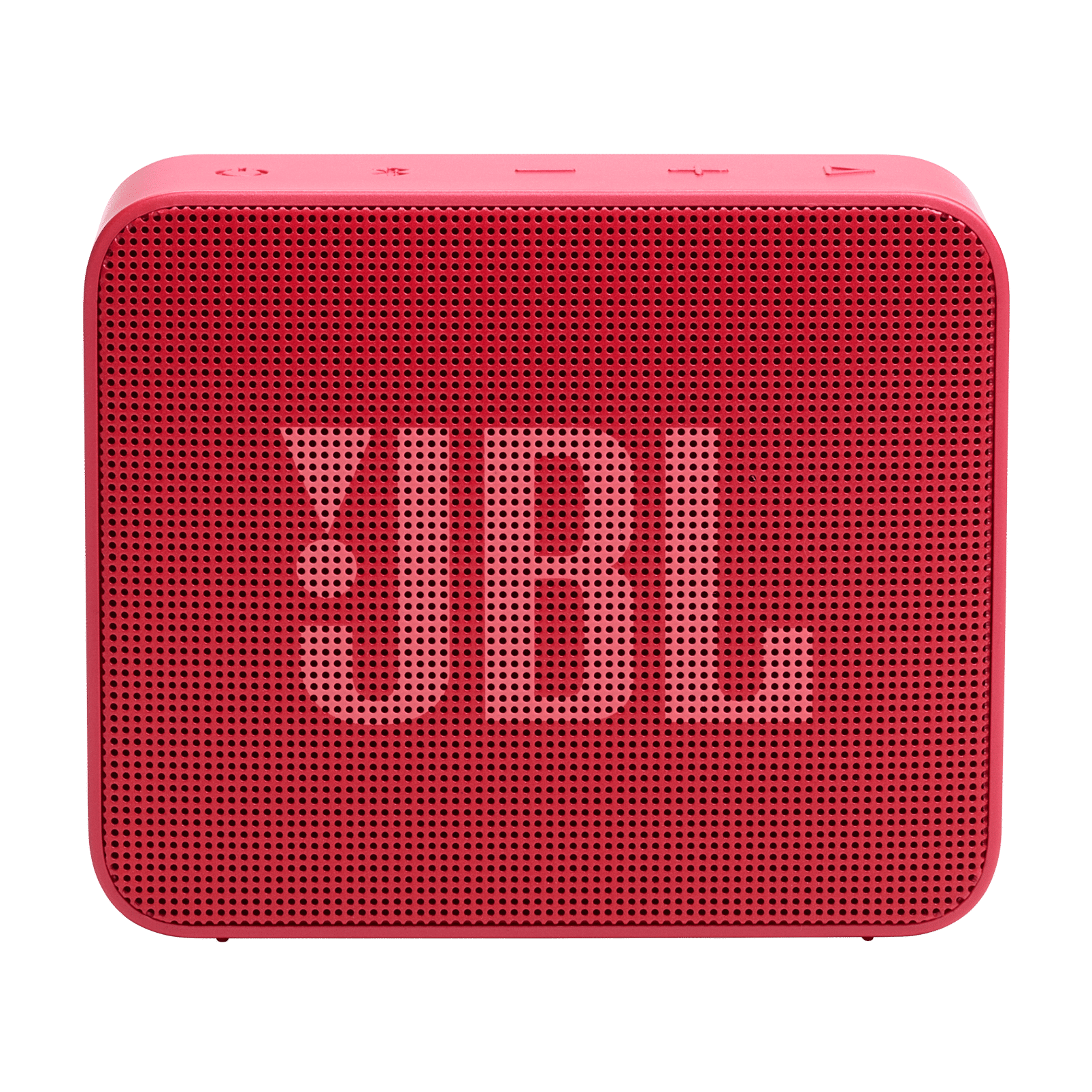
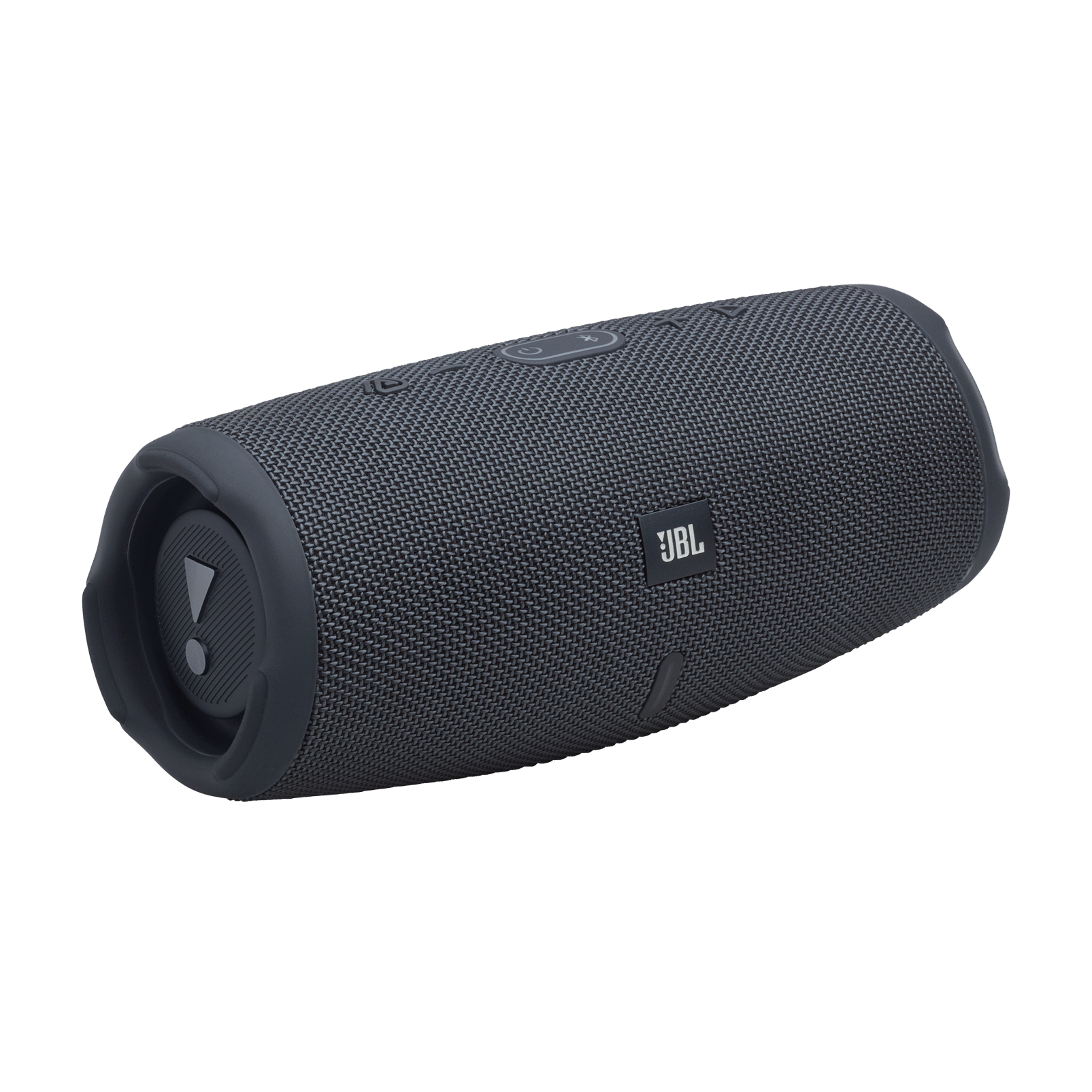
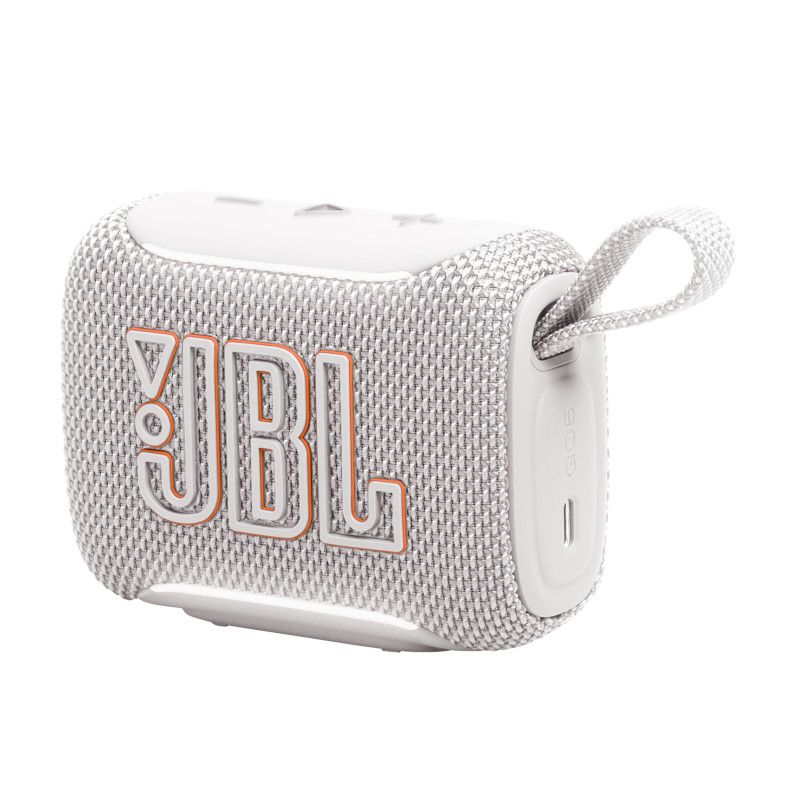
The speaker is made from several materials: a cool metal grille, a plastic body, a rubber control panel, and a fabric handle. Altogether, it weighs just over one kilogram — 1.06 kg. That's light enough to pack in your backpack for a trip or a visit to a friend.

There are no flashy exclamation marks or ridged surfaces on the body — the design is understated and clean.
Sound and volume
Let's start with the bass. The Bose Portable Smart Speaker certainly has it. While the low frequencies are less pronounced than those of stationary sound systems or large, heavy semi-portable speakers like the HK Onyx Studio 6, it's worth remembering the physical constraints of this genuinely portable Bose speaker — it weighs just one kilogram.
The mids and highs are bright and clear, as you'd expect from a speaker in this price range — they fit right in.
There is more than enough volume. Indoors at 50%, your neighbors will hear the music if you live in an apartment, and it will be audible outside if you live on a lower floor or in a house. If you buy two speakers (or buy one for yourself and another — for a friend), you can group them and double the amount of sound filling the air. Two speakers paired together form a stereo pair (well, that makes sense).
The app

Bose Music is available to download from the App Store and Google Play. The app is used for initial speaker setup, connecting streaming service accounts to your Bose account, controlling playback, grouping speakers, and adjusting bass and treble levels. In general, if you stream music from your phone, you won't need to use the app often. For example, you can check the battery level in the app or by pressing the power button on the speaker, which will then announce the charge level. To pair the speaker with a new device via Bluetooth, you can also press and hold the physical Bluetooth button on the control panel to make the speaker discoverable. You don't have to open the app for this, although it has a corresponding button too.
Control panel

The round rubber panel on top of the speaker has 7 tactile buttons. Of these seven buttons, you'll mainly use four: the power button, two volume buttons, and play/pause. Here's a closer look at each:
- Power button: press to turn the speaker on or check the battery level if it is already on; hold for 2 seconds to turn it off.
- Volume buttons: press and hold to change the volume.
- Play/pause button: press to pause or resume playback, press twice to skip to the next track, or press three times — to go to the previous track.
The Bluetooth button starts pairing mode when held or initiates a connection to a previously connected device when pressed once.
AirPlay
Although Apple device users make up a fairly small share of the population in Ukraine, most forward-thinking people (and potential buyers of the Bose Portable Smart Speaker) still prefer devices from the Cupertino company. So if you own an iPhone, iPad, or Mac — you can use Apple AirPlay 2 to stream audio from your device to the speaker. What makes AirPlay special? It sends audio over Wi-Fi, removing the 10-meter distance limit and providing more bandwidth for playing recordings at very high quality compared with Bluetooth. What's more, AirPlay supports streaming to multiple audio devices at once, so you can play music simultaneously on the Bose Portable Smart Speaker and another AirPlay device (such as AirPods or HomePod/mini), on a Bose speaker and three HomePod/mini speakers, or on two Bose Portable Smart Speakers. You can also use the dedicated app to group several Bose speakers into one playback device and stream audio to all speakers in the group at once via AirPlay or the "widely available" Bluetooth. In all these cases, however, the speakers will not form a stereo pair: two speakers cannot play the right and left audio channels separately, unlike Apple HomePod/mini speakers, for example.