Gaming headsets
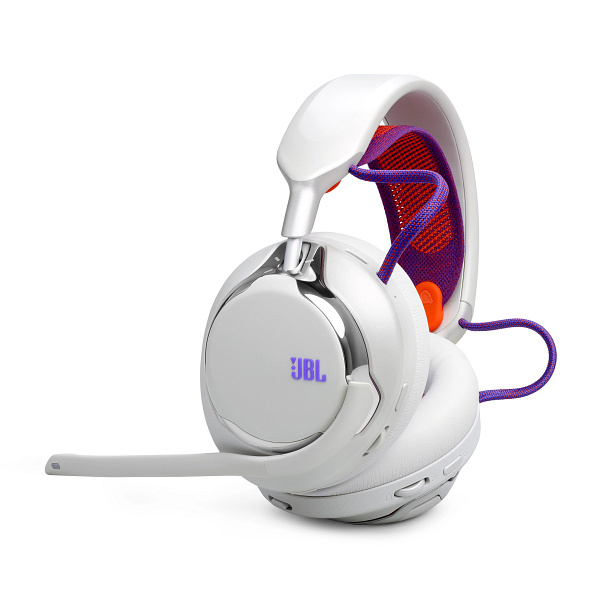
JBL Quantum 950
13999 ₴
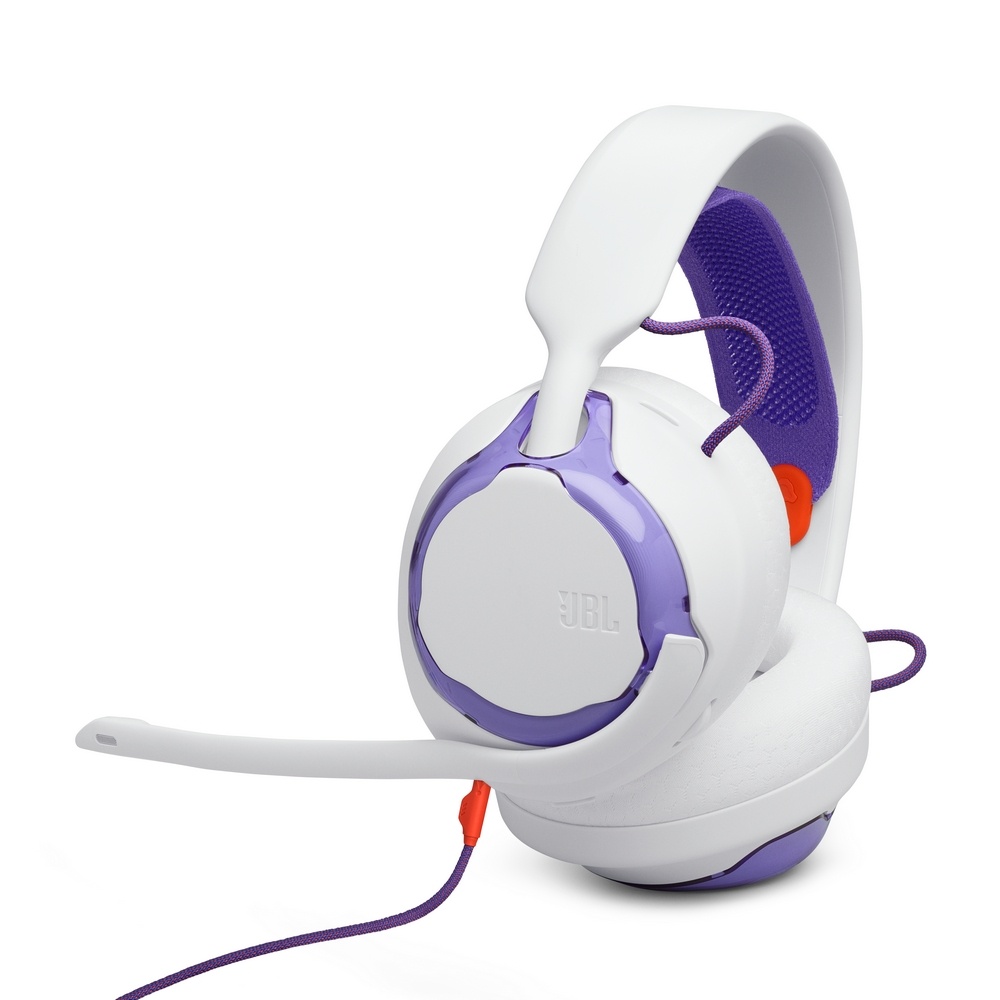
JBL Quantum 250
2299 ₴
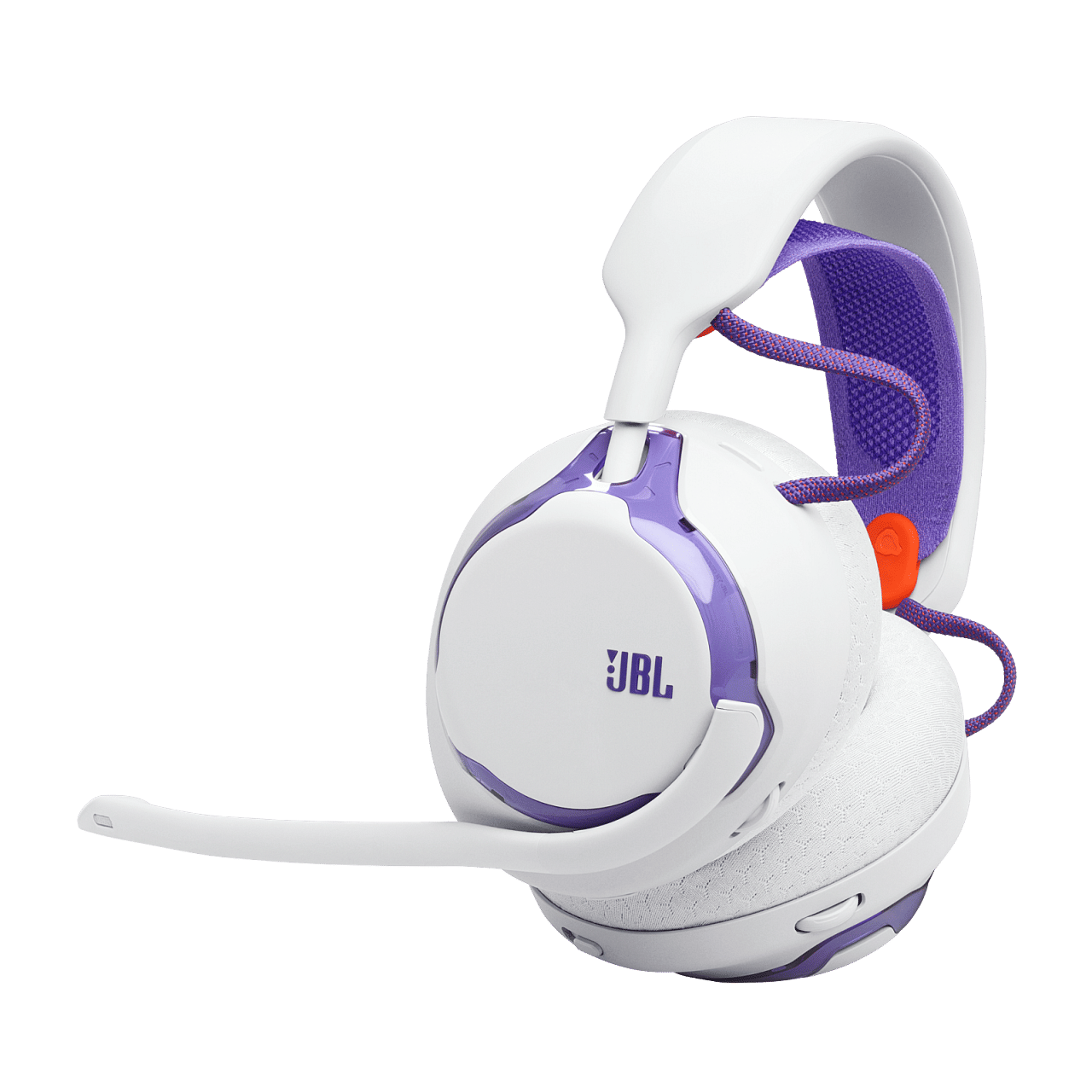
JBL Quantum 650
7499 ₴

JBL Quantum 910P
9999 ₴

JBL Quantum 910X
9999 ₴

JBL Quantum 100
1299 ₴

JBL Quantum 100 Nintendo Switch Edition
1399 ₴

JBL Quantum 100M2
1399 ₴

JBL Quantum 360P
3999 ₴

JBL Quantum 100P
1199 ₴

JBL Quantum 360X
3999 ₴

JBL Quantum 100X
1199 ₴

JBL Quantum 910 Wireless
9999 ₴

JBL Quantum ONE
13999 ₴

JBL Quantum 400
3699 ₴

JBL Quantum 200
1999 ₴
How to choose
A gaming headset is needed not only for in-game sound, but also for clear communication with your team and comfortable long sessions. To make a good choice, look beyond a single standout specification and consider the combination of fit, microphone, connectivity, and additional features.
Comfort and isolation while gaming
This category includes over-ear headsets with a closed acoustic design. This construction usually blocks outside sounds more effectively and lets less sound escape, making it well suited for gaming at home, voice chat, and situations where you want to focus on what is happening in the game.
For everyday comfort, pay attention to weight and materials. If you play for several hours at a time, a lighter headset and pleasant-to-the-touch materials usually cause less fatigue for your head and ears, while a heavier model may feel more substantial but put more pressure on you during long sessions.
A microphone for chat and team play
For a gaming headset, it is important that the microphone is not just included, but also convenient in real use. In this category, look at the microphone mount type: a detachable mount is convenient if you will also use the headset for music or movies, while a swivel mount is good for those who frequently turn voice chat on and off.
Microphone directionality also matters. A unidirectional or cardioid microphone focuses better on the user's voice, so room noise is less distracting to other people in the conversation. If versatility is important to you, check whether the microphone can be removed completely.
Voice transmission quality
In addition to the microphone itself, it is useful to evaluate its processing features. This category includes capabilities such as wind noise reduction, voice noise reduction, echo noise cancellation, a mute indicator, and auto shutoff. All of these are especially useful if you play in a room that is not perfectly quiet or often communicate with a team.
Microphone sensitivity in the catalog ranges from -42 to -38 dBV/Pa. For shoppers, this is primarily an indication of how confidently the microphone picks up your voice. If chat certifications such as Discord or TeamSpeak are also available, that is a benefit for those who regularly use voice channels.
Connectivity without unnecessary compromises
First, decide where exactly you will be gaming: on just one device or on several. This category lists compatibility with PC, Nintendo Switch, Xbox One, Xbox Series, mobile devices, Mac, PlayStation 4, and PlayStation 5, so before buying, consider whether you need versatility or whether a headset for one main platform is enough.
The connectivity method is especially important for gaming. If you value minimal latency, look for models with 2.4 GHz low-latency wireless through a USB dongle. If you want both a gaming connection and a connection to your smartphone at the same time, dual wireless connection (2.4 GHz + Bluetooth) will come in handy.
Immersion and useful extras
If you enjoy story-driven games, shooters, or esports titles, look for spatial audio or virtual surround support. The catalog includes Windows Sonic, QuantumSPHERE 360, Tempest 3D, DTS HeadphoneX, QuantumSPATIAL 360, and QuantumSURROUND. These modes can help with positioning footsteps, gunshots, and the overall soundstage, but they work best when they are compatible with your platform and games.
Also consider everyday convenience. Companion app support makes setup easier, play & charge is useful for long sessions without interruptions, and included accessories such as a 3.5 mm audio cable, USB wireless dongle, USB cable, Y-splitter, windscreen, or USB-C to USB-A adapter can save you from extra purchases after placing your order.
Tips
- For PC and competitive gaming, first check for 2.4 GHz connectivity through a USB dongle, not just Bluetooth.
- If you need a headset for both gaming and everyday use, a detachable microphone will be more practical.
- For long evening sessions, a closed design and moderate weight are usually more important than decorative features.
- Before buying, check compatibility with your specific platform, even if the headset appears to be universal.
- If you often use Discord or TeamSpeak, pay attention to microphone processing features and chat certifications.