Microphones
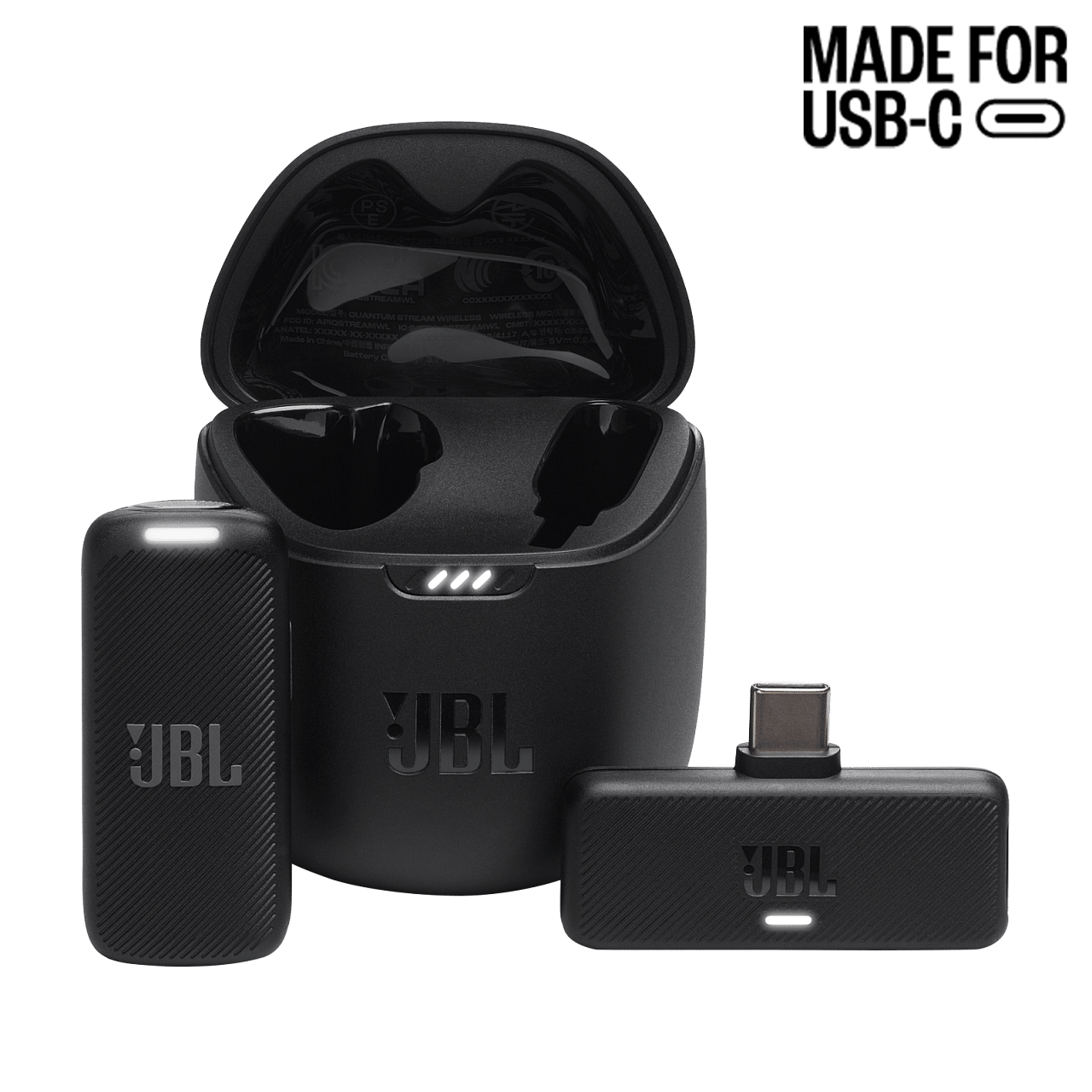
JBL Quantum Stream Wireless
from 4499 ₴

JBL PBM100 Wired Microphone
1499 ₴
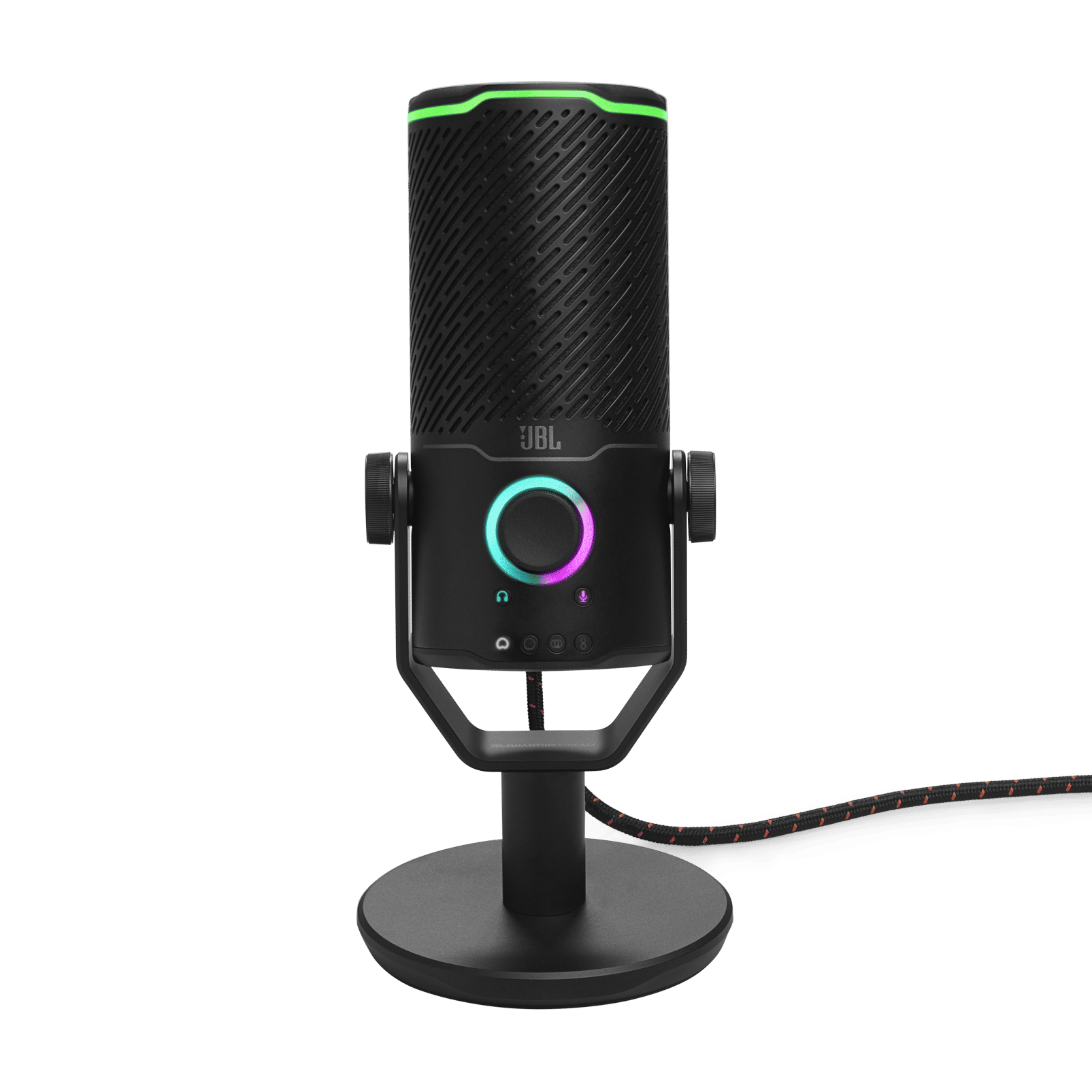
JBL Quantum Stream Studio
4999 ₴
How to choose
Choose a microphone for your specific use case: vocals, karaoke, gaming, podcasting, streaming, or studio recording. This category includes desktop and handheld models, so it is important to understand right away where you will be recording your voice and how you will connect the microphone.
Microphone form factor and intended use
The microphone form factor directly affects convenience. A handheld option is usually better for vocals and karaoke, when you hold the microphone in your hand or pass it between several people. A desktop format is more convenient for gaming, podcasting, streaming, and home recording, when the microphone stays on the desk in front of you.
The intended use attribute helps you quickly rule out unsuitable models. If you primarily need a microphone for speech, look at options for podcasting, streaming, or gaming. If you plan to sing or use it for karaoke, it is better to focus on models that state this directly.
Capsule type and polar patterns
The transducer / capsule type indicates how the microphone will perform in real use. The catalog includes electret and dynamic models, and the choice between them should be made together with your use case: for quiet recording at a desk, detail matters, while for more active use or singing, practicality and control over unwanted sounds are often more important.
Polar patterns show where the microphone picks up sound best. A cardioid option is convenient when you need to focus on the voice in front of the microphone. An omnidirectional pattern works if several people are speaking around it. A bidirectional pattern is useful for a face-to-face conversation, while stereo is better suited to a wider soundstage. If a model supports several recording patterns, also pay attention to the capsule count: the catalog includes an option with 3 capsules, as well as a listed capsule diameter of 14 mm, which is convenient for comparing similar models technically.
Connectivity, power, and compatibility
Before buying, check exactly how the microphone connects and what power source it needs. If a model is powered by USB, it is convenient for desktop use without a separate power supply. If no power source is listed, make sure to carefully compare its connectivity with your equipment.
It is also important to consider inputs & ports together with platform compatibility. Platforms in the catalog include Windows, macOS, PlayStation, and Nintendo Switch, so for gaming or streaming, it is best to check in advance whether the microphone will work with your specific device without extra adapters.
Controls and recording monitoring
If you frequently record voice, stream, or communicate in games, convenient on-mic controls make a noticeable difference in everyday use. Useful features can include mute, a gain knob, a volume knob, a mix control, and recording pattern selection. Touch controls can be convenient if you want to change settings quickly without looking for buttons in an app.
Monitoring features such as headphone monitoring and audio/voice mix help you hear yourself while recording and better balance your voice with system audio. Onboard processing (DSP), including an equalizer, noise reduction, compressor, and microphone test, is useful for those who want to get a cleaner result more quickly without complicated separate setup.
Digital recording quality and headroom for volume
For USB microphones, pay attention to digital recording specifications. The catalog includes values up to 24-bit and 192 kHz, providing more flexibility for voice recording and further processing. If you only communicate or play games, this may not be decisive, but for podcasts, streams, and editing work, this headroom can be useful.
Maximum SPL indicates how loud a sound source the microphone can handle without noticeable distortion. The available specifications include 110 dB, and this parameter is especially useful to check if you plan to record not only quiet speech but also louder vocals.
Mounting and included accessories
Think about exactly where the microphone will be placed and whether the included accessories will be enough without additional purchases. The catalog includes options with a desktop stand, as well as compatibility with a C-clamp or holder. This matters if you want to free up desk space or position the microphone closer to your mouth on a separate arm.
Also pay attention to small details that affect convenience right after unboxing. Included accessories may include a desktop stand and a 6.35 mm to 3.5 mm adapter, while the included cable length can be 3 m. The more thoughtfully the package is put together, the less likely you will need to buy accessories on the very first day.
Tips
- First, determine your main use case: handheld models are more convenient for vocals and karaoke, while desktop models are better for podcasts, streaming, and gaming.
- If you record voice in a room with background noise, choose a microphone with a polar pattern that works for you and quick mute control.
- For streaming and online communication, headphone monitoring, a mix control, and built-in noise reduction are useful.
- Before buying, compare connectivity, ports, and compatibility with your platform, especially if you plan to use the microphone not only with a PC but also with a console.