Single-board computers
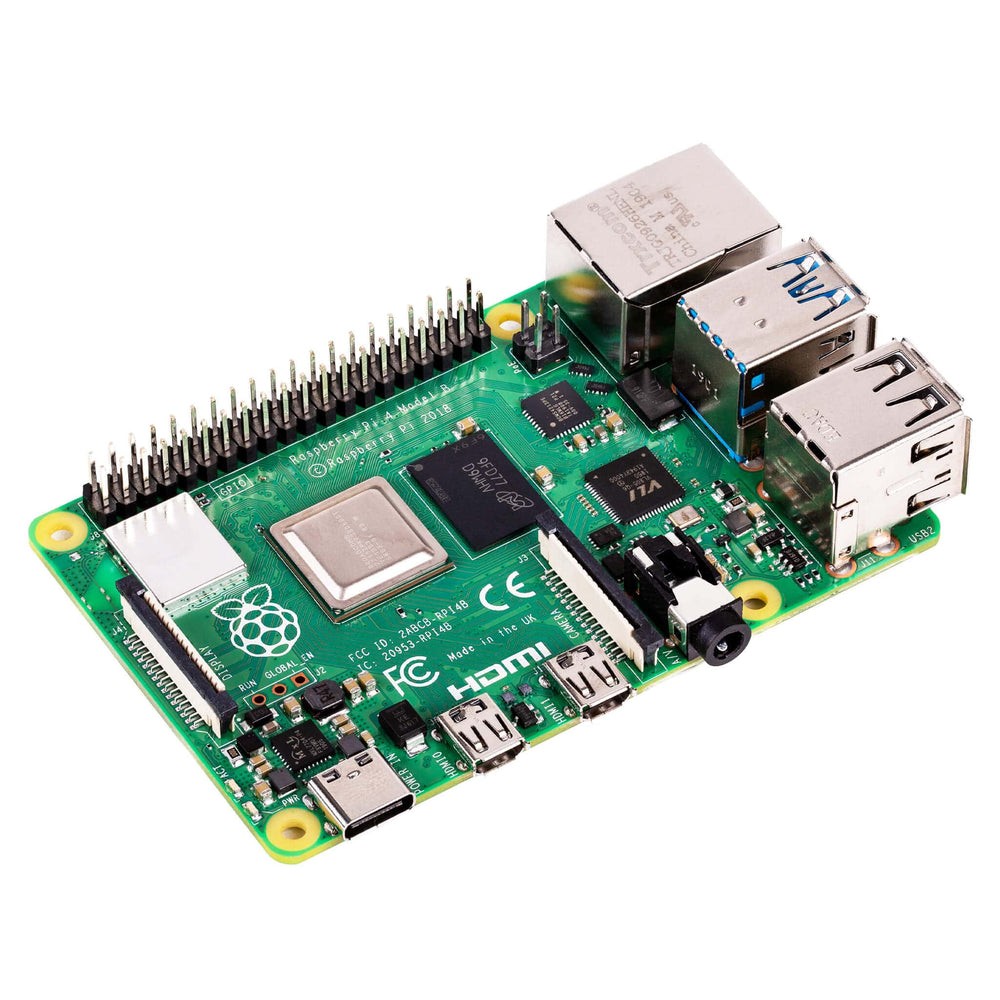
Raspberry Pi 4 Model B
from 2999 ₴
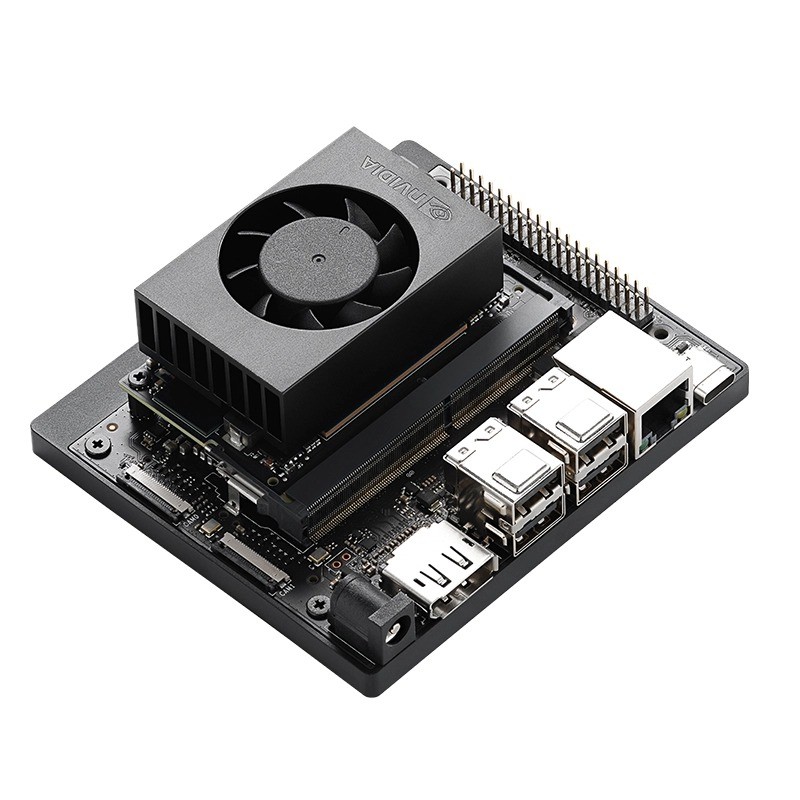
NVIDIA Jetson Orin Nano Super Developer Kit
36999 ₴
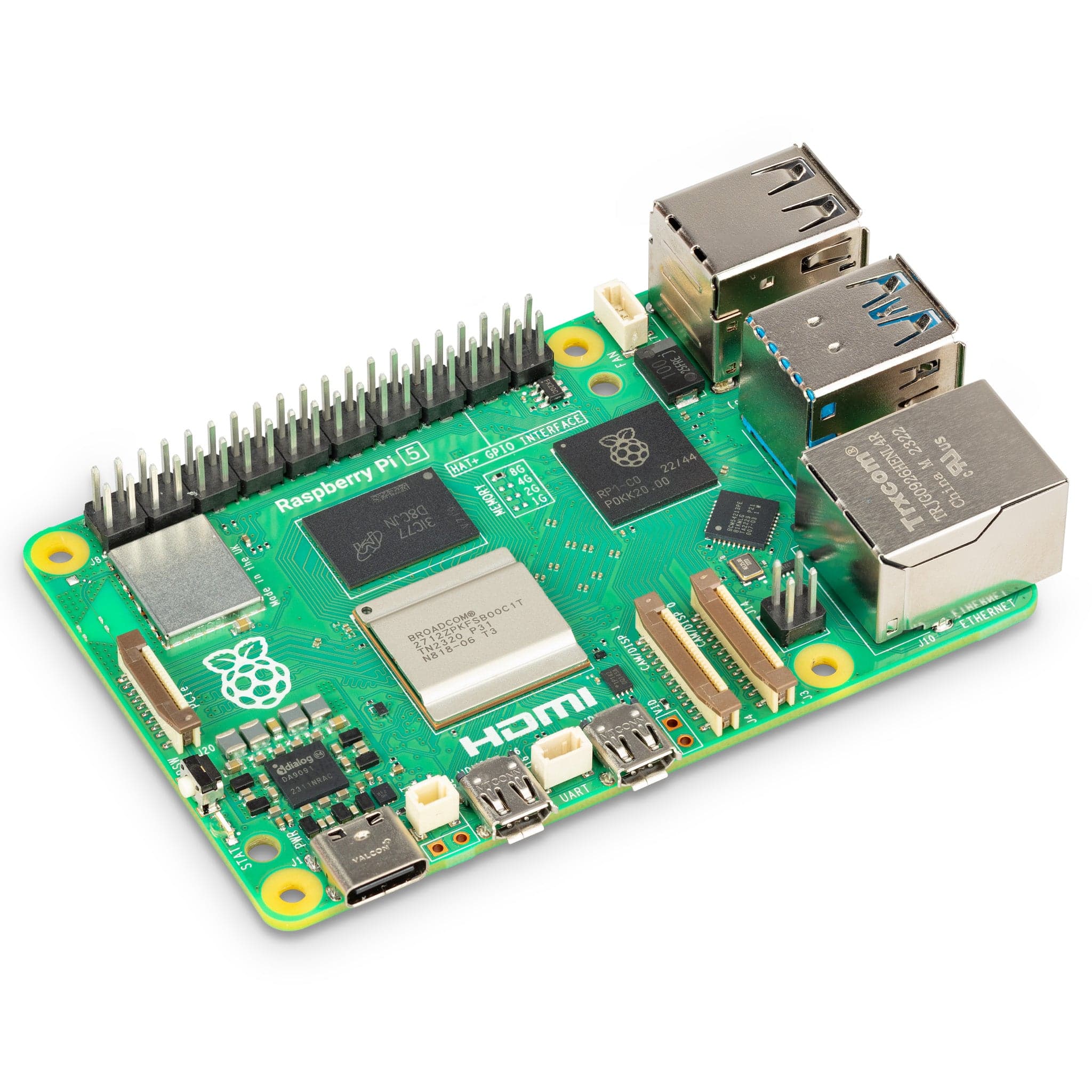
Raspberry Pi 5
from 3299 ₴
How to choose
A single-board computer is a compact board for learning, home servers, media centers, automation, and DIY projects. To choose a suitable option, look beyond the processor and consider video outputs, networking, storage, and expansion interfaces.
Performance for everyday tasks and projects
The foundation of the choice here is the combination of the SoC and processor. The catalog lists Broadcom BCM2712 and Arm Cortex-A76, along with 4 CPU cores and a maximum CPU frequency of 2.4 GHz. These are the parameters that have the greatest impact on interface speed, launching services, working with a browser, scripts, or lightweight server tasks.
If you plan to use the board for more than one simple scenario and run several tasks at once, pay particular attention to the CPU core count and frequency. For learning, home automation, a small NAS, or a media center, these are usually more important than the model name alone.
Connecting monitors and working with 4K
If you need the board for a workstation, information display, or media center, check the video output connectors and video output count. The catalog lists micro-HDMI, 2 video outputs, a maximum video output resolution of 4K, and a maximum video output refresh rate of 60 Hz.
In practice, this means you can connect modern displays with a sharp picture, while two outputs are convenient for two screens or separate display areas. At the same time, keep in mind that micro-HDMI may require a compatible cable or adapter.
Media center and hardware video playback
For video playback, not only the presence of a video output matters, but also how the board handles decoding. The specifications include the VideoCore VII GPU, hardware video decoding codecs support for HEVC (H.265), a maximum hardware decode resolution of 4K, and a maximum hardware decode frame rate of up to 60 fps.
This is especially useful if you want to watch videos, run digital signage, or use the board as a media player. Hardware decoding reduces the load on the processor and helps deliver smoother playback of compatible content.
Networking without unnecessary compromises
For a home server, smart home, or remote access, look at the network interfaces. The catalog lists 802.11ac (Wi‑Fi 5), Wi‑Fi bands of 2.4 GHz and 5 GHz, Bluetooth 5.0, and Gigabit Ethernet.
Dual-band Wi‑Fi is convenient when you do not want to run a cable, while Gigabit Ethernet is better suited for a stable connection, faster file access, and network services. Bluetooth is useful for wireless peripherals, sensors, or compact local connections.
Storage, USB, and room for the future
Single-board computers often boot from a memory card, so pay attention to the memory card slot type and options for connecting faster storage. The specifications include a microSD slot, 2 USB 3.x ports, 2 USB 2.0 ports, and fast storage support for NVMe over PCIe, requiring an adapter or HAT.
A microSD card is convenient for a simple start, but if you plan frequent writing, databases, containers, or frequent file work, having an NVMe option or fast external storage becomes important. The combination of USB 3.x and USB 2.0 also helps you immediately understand how many fast and standard devices you can connect without hubs.
GPIO, cameras, and displays for DIY projects
If you plan to connect sensors, relays, control modules, or build your own electronics, look at GPIO. The catalog lists 40 GPIO pins and the Raspberry Pi 40-pin GPIO header standard, which is important for compatibility with widely available accessories and expansion boards.
For projects with a camera or built-in display, 2 MIPI CSI/DSI ports in a combined format are useful. This provides more flexibility for multimedia, robotics, and visual applications where specialized modules need to connect directly to the board.
Tips
- If the board will operate as a server or network storage, prefer a wired Gigabit Ethernet connection and keep Wi‑Fi for flexible placement.
- For a media center or use with two screens, check in advance that you have the required micro-HDMI cables.
- If you plan active file work, logs, containers, or databases, it is better to plan for faster storage right away rather than relying only on microSD.
- Before buying accessories, make sure the expansion interfaces suit your needs: GPIO for modules, MIPI for cameras and displays, while NVMe or PoE+ may require a separate HAT or adapter.
- For stable operation, consider the power supply: the board uses USB-C and requires 5 V with a maximum input current of 5 A.