TES-92 Electromagnetic Radiation Detector
Pros
- Wide RF range of 50 MHz–3.5 GHz
- Triaxial (XYZ) isotropic sensor
- Memory for 99 measurements
- Adjustable alarm threshold
- Display backlight
Cons
- Does not show signal frequency
- Does not measure below 50 MHz
- Does not detect 5 GHz Wi‑Fi
TES-92 detects “electrosmog,” not conspiracies
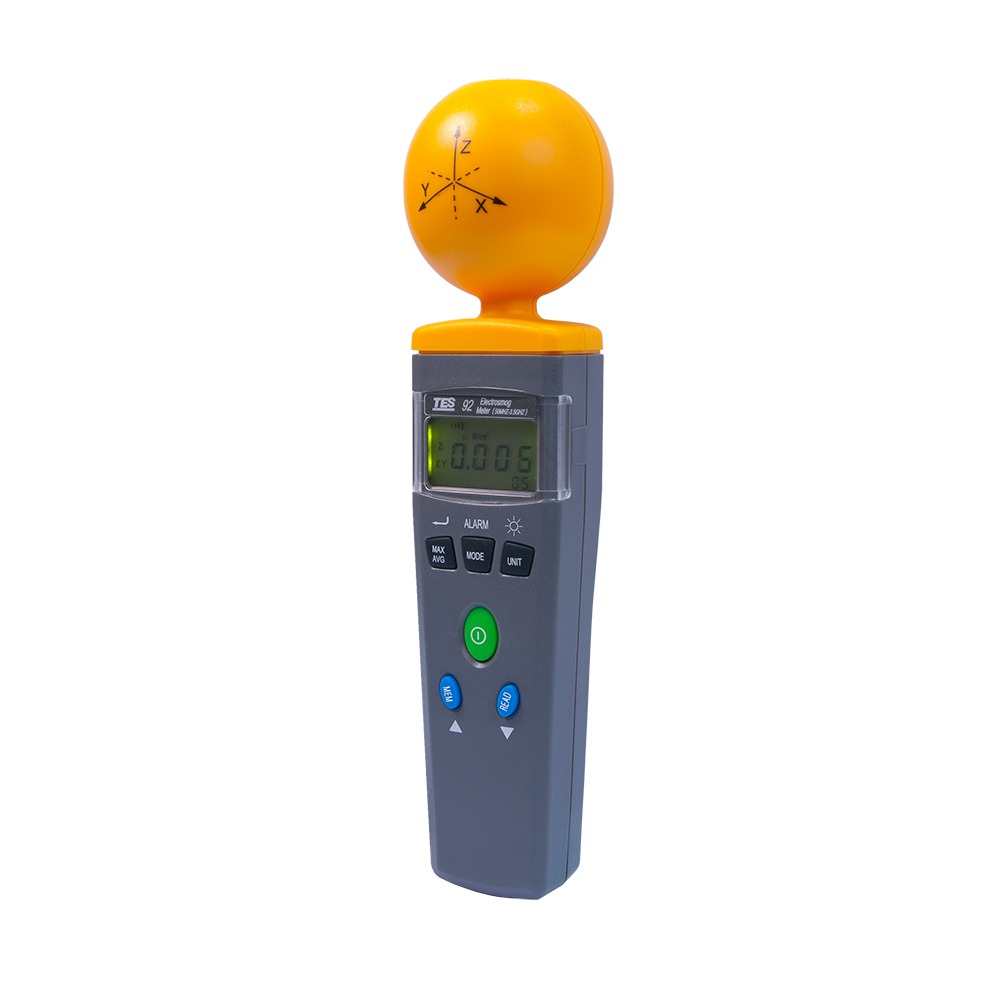
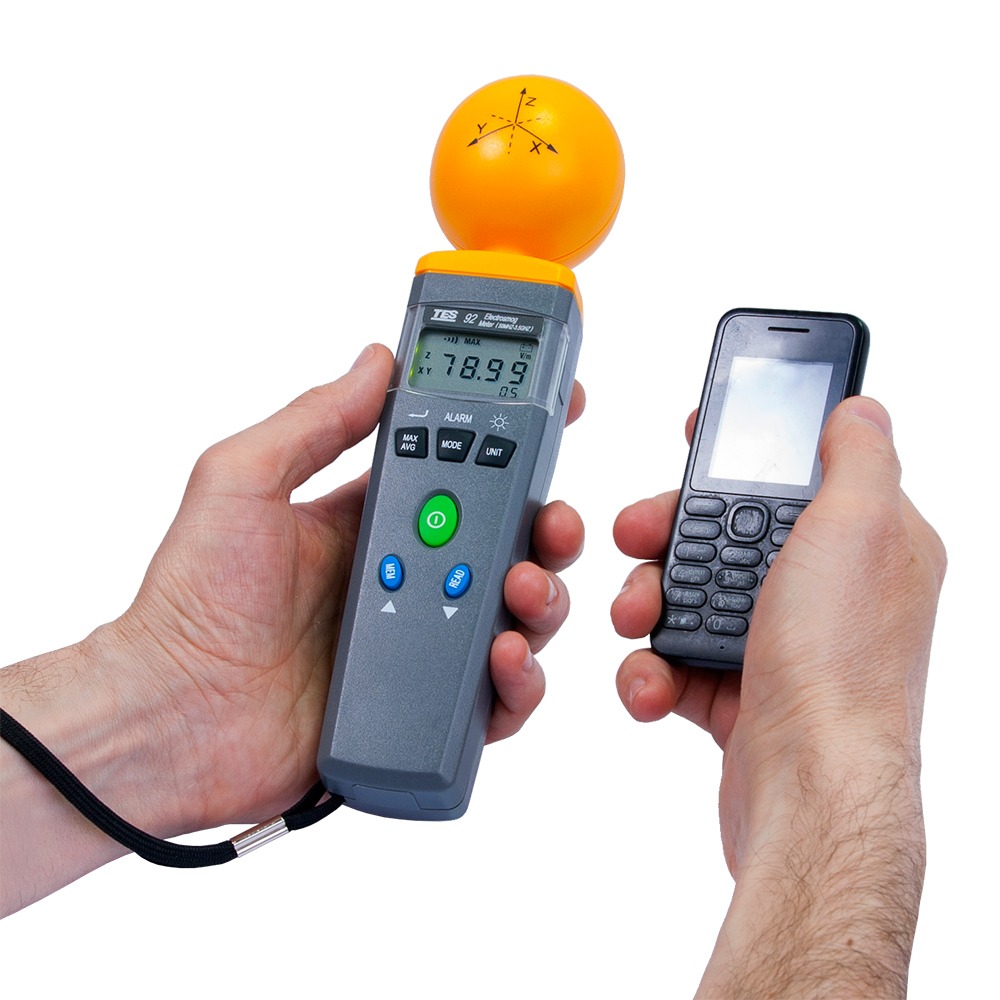
The TES-92 is a portable broadband radio-frequency electromagnetic field (RF) meter with a triaxial (XYZ) sensor. Simply put, it helps you quickly identify areas in a room with RF radiation from wireless devices and transmitters (routers, access points, base stations, some wireless cameras and microphones, microwave leakage, etc.).
The meter does not break the signal down by frequency or tell you “this is your neighbor with a particular router.” It shows the field strength or power density at the measurement point, which is enough for a household check of where levels are highest and how much they have decreased after rearranging things.

What it measures and in which units
The TES-92 primarily measures the electric field component (E) in the range of 50 MHz – 3.5 GHz. It can then calculate the magnetic field component (H) and power density (S) for the far field (when the source is not right next to the meter).
Use the UNIT button to switch the display units: mV/m or V/m (E), µA/m or mA/m (H), µW/m² / mW/m² and µW/cm² (S).
Three axes (XYZ): why they matter
Signals around us arrive from different angles, reflect off walls and metal, and are scattered by furniture. The TES-92 measures on three axes and can display the combined XYZ value. This is convenient because you do not have to find the right direction or take three measurements and calculate the result manually.
You can also switch axes and view X / Y / Z separately, which is useful if you want to understand how the field is oriented near a particular source.
Display modes: instantaneous, maximum, average
The MAX/AVG button cycles through the modes: Instant (instantaneous), Max (maximum instantaneous value), Avg (average), and Max Avg (maximum average). Max is usually enough to quickly find the highest reading, while Avg is more useful for assessing the background level.
Alarm, backlight, automatic saving: what is actually included
The alarm (ALM) has an adjustable threshold and can be turned on or off. If the reading exceeds the set threshold, a buzzer sounds. The sound can be turned off separately.
Memory is manual: you can save up to 99 measurements and review them later on the meter itself.
The backlight turns on when you hold the button (for about 2 seconds) and turns off automatically by default (after about 15 seconds). You can disable this automatic function if you wish.
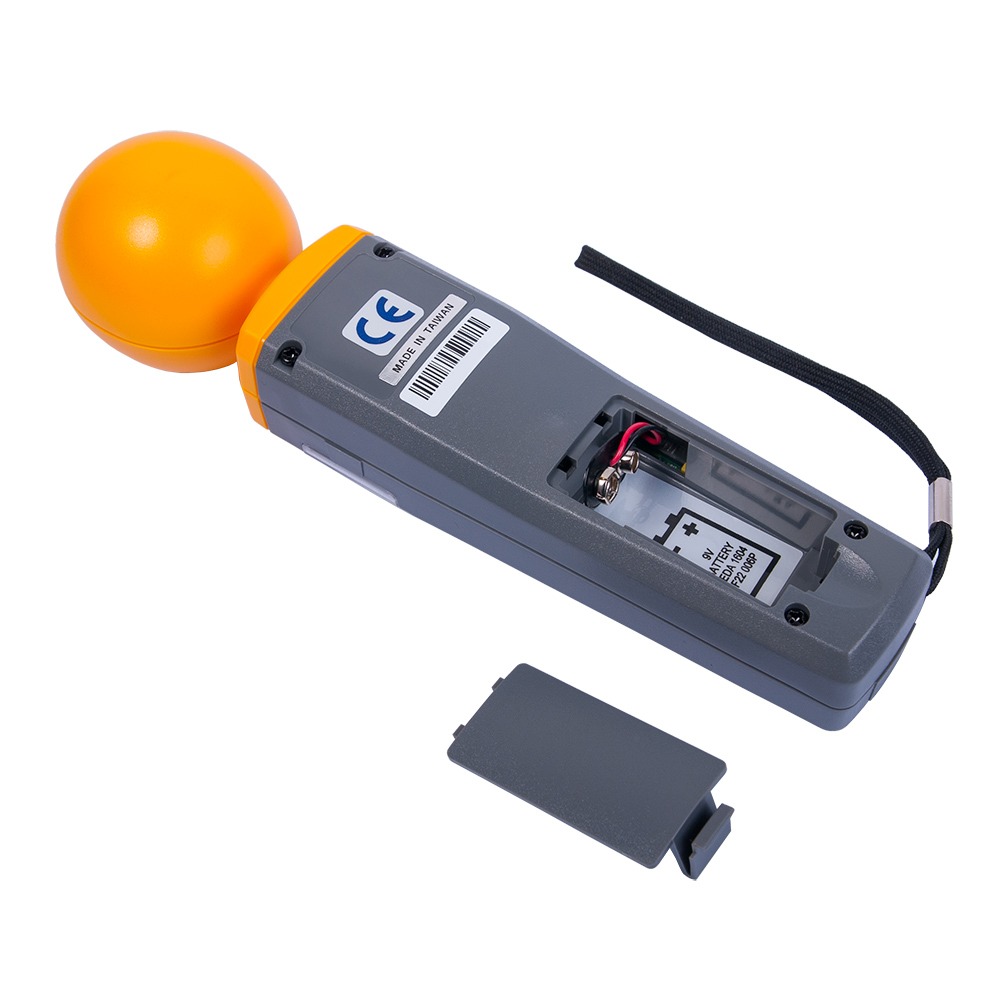
The meter also has automatic power-off to avoid draining the 9V battery if you forget to turn it off. By default, it activates after about 15 minutes, and it can also be disabled with a button combination.
How to measure without misleading yourself
1) Select XYZ (all axes) and Instant or Max mode.
2) Hold the meter at arm’s length or place it on a nonmetallic surface and step back (your body affects the field).
3) Do not wave the sensor around. Sudden movements can cause artificially high peaks due to electrostatic effects.
4) Take several measurements at different points in the room. RF levels are often very uneven, especially near windows and metal objects.
Important limitations (so you know why you might see zeros)
• The TES-92 operates in the 50 MHz – 3.5 GHz range. This means it is not intended for 50/60 Hz (electrical wiring) or higher frequencies such as 5 GHz Wi‑Fi or some modern 5G bands above 3.5 GHz.
• This is a broadband meter: it shows the total level present, but not the specific sources.
• The E→H and E→S conversions are more accurate in the far field. In the near field (very close to the antenna or source), the relationship between the components may be atypical, so it is better to look at the primary E value and compare readings from different points.
Who it is for
The TES-92 is a good choice if you need a practical tool to assess background levels from a router or access point (2.4 GHz), check for hot spots in a room, see the effect of rearranging things, adding a shield, or moving a desk or bed, and take a series of check measurements that can be stored in memory.
If you want to see frequencies and spectral peaks, or measure 5 GHz Wi‑Fi or a wider range of 5G frequencies, you will need a different class of instrument.
You can check the detailed technical specifications on the official TES-92 page.