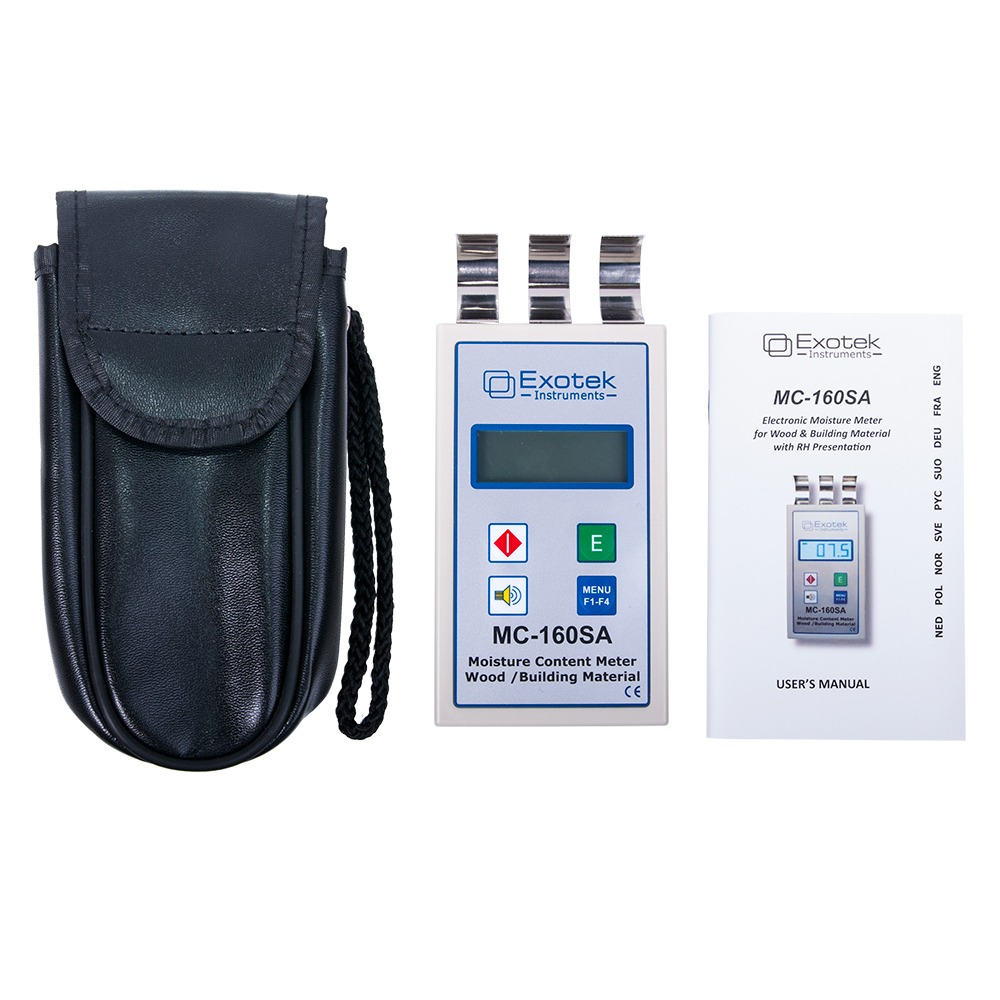
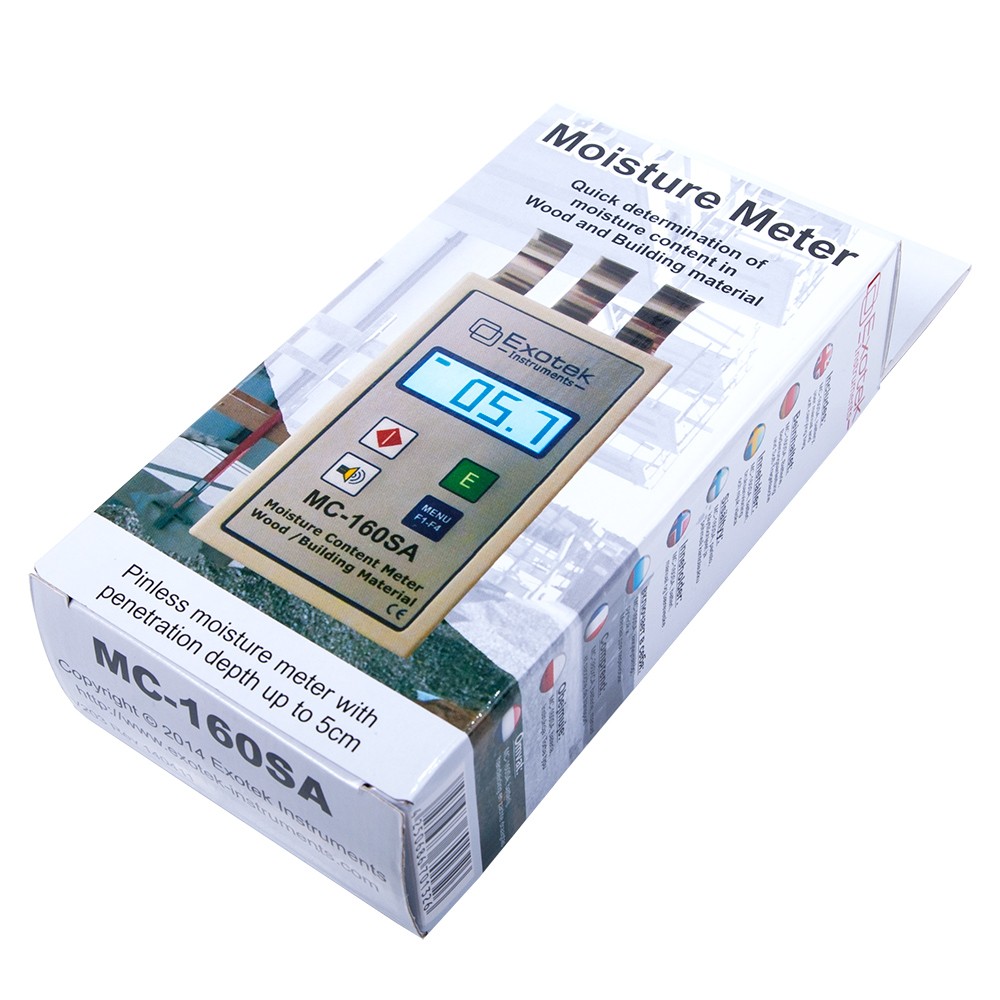
Exotek MC-160SA
Delivery and payment
Choose your city or town to see the price with delivery there and when you can get it.
Pickup points
- Branch
- Parcel locker
Pros
- Pinless measurement, no holes
- Wood + building materials
- Depth up to 50 mm
- RH% for concrete/screed
- Audible threshold alarm
Cons
- Requires the correct material code
- Metal under the sample interferes with readings
- Less accurate on thin sheets
Exotek MC-160SA: “quick moisture checks” without nails or holes
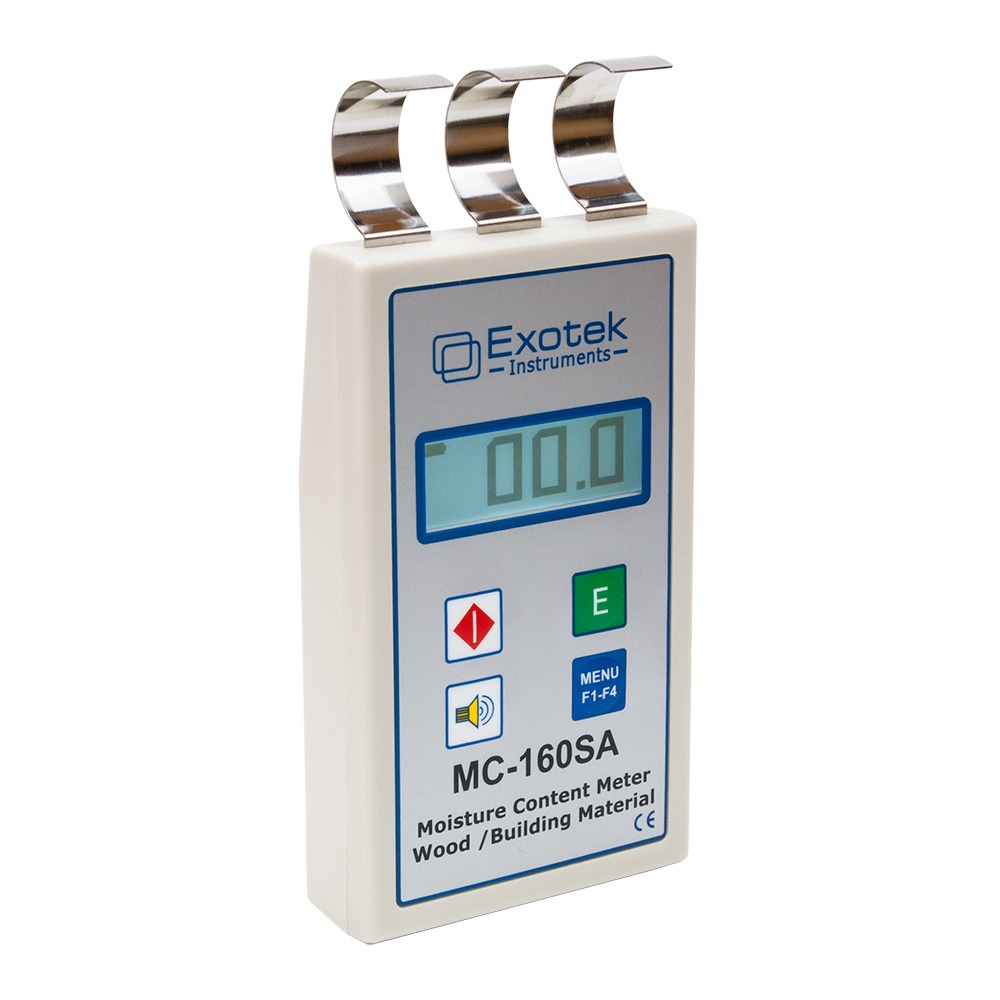
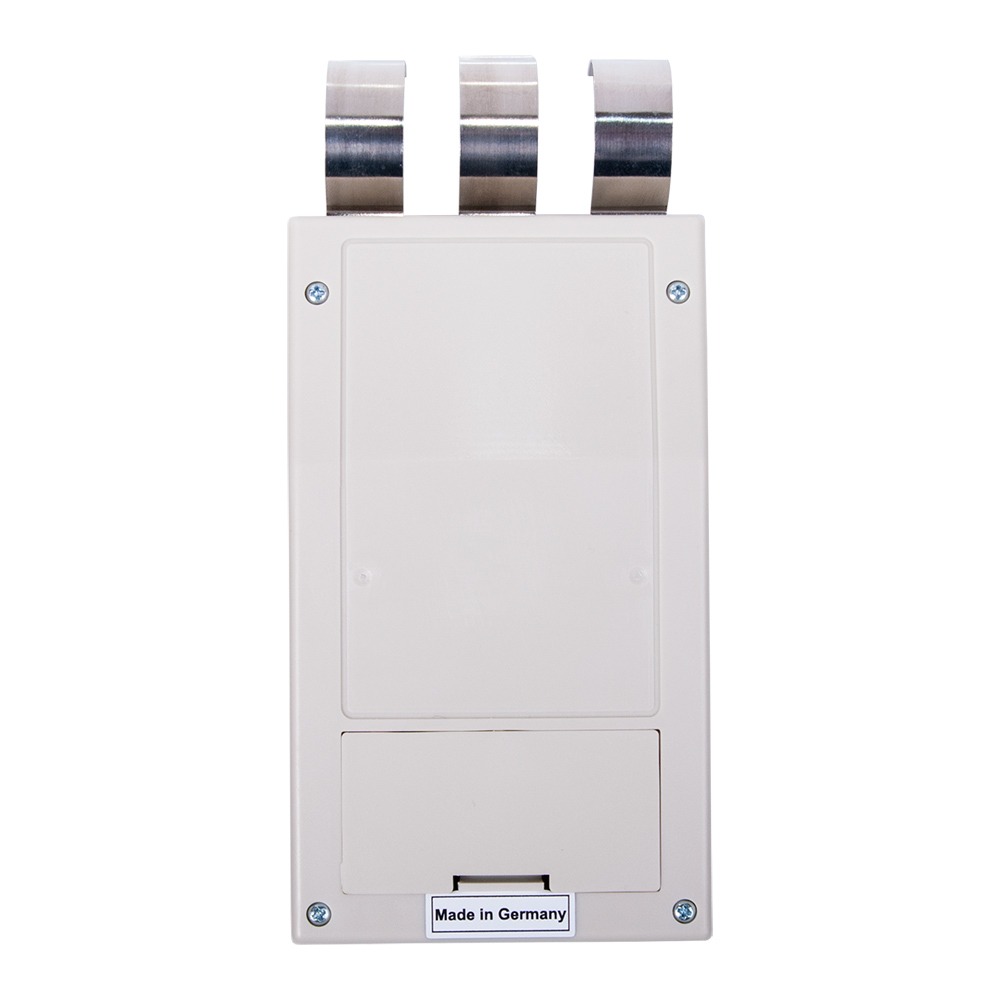
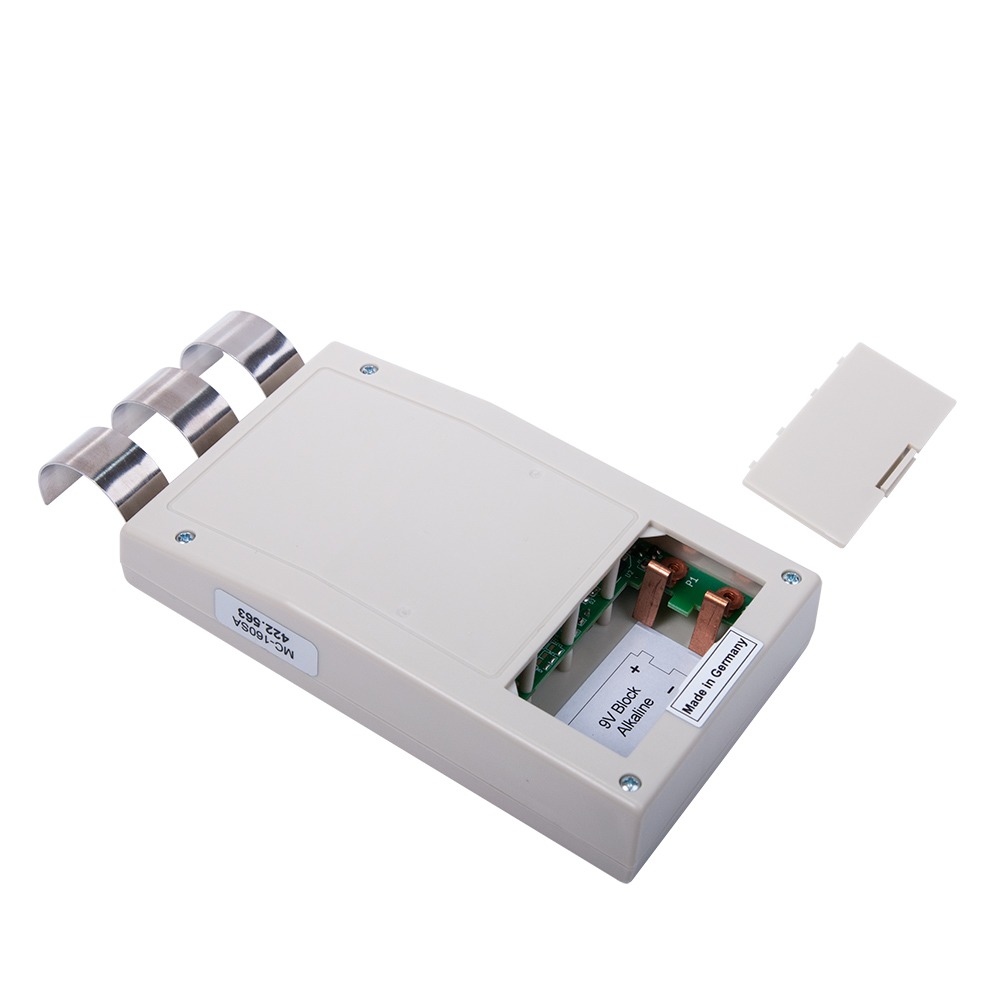
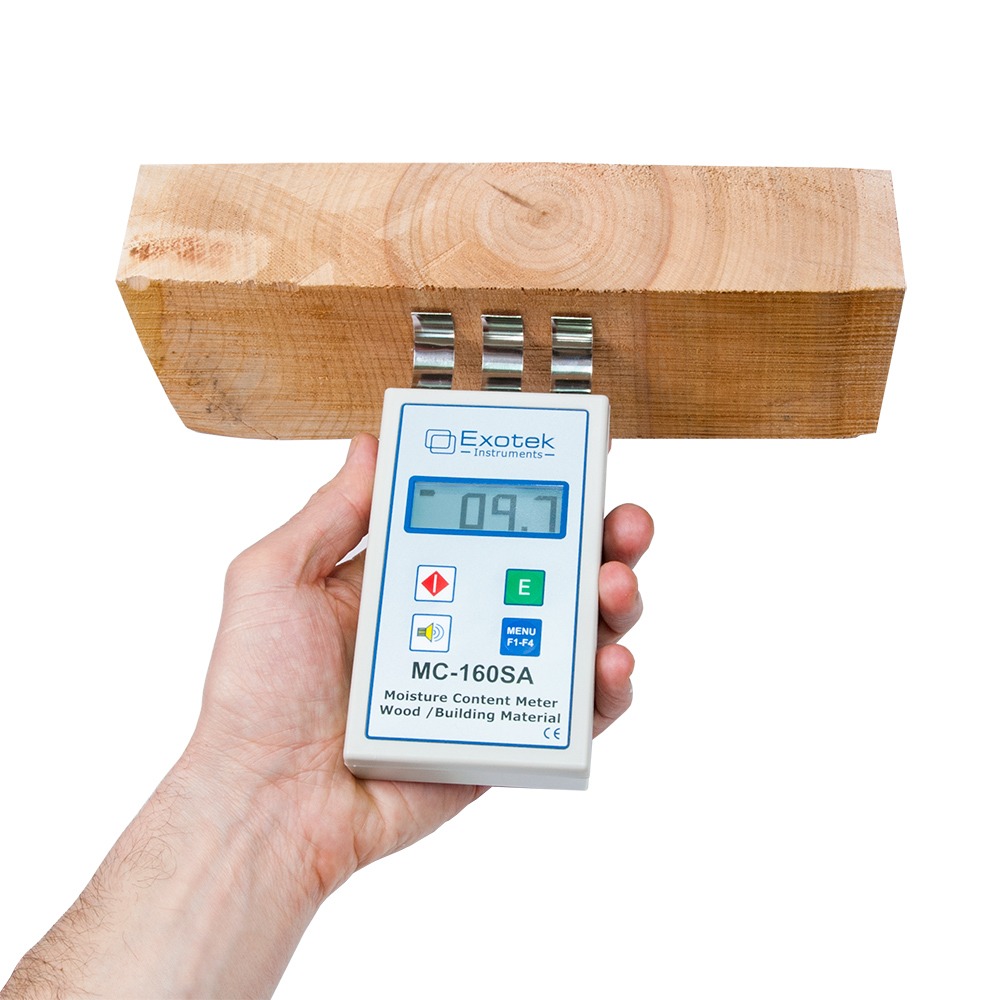
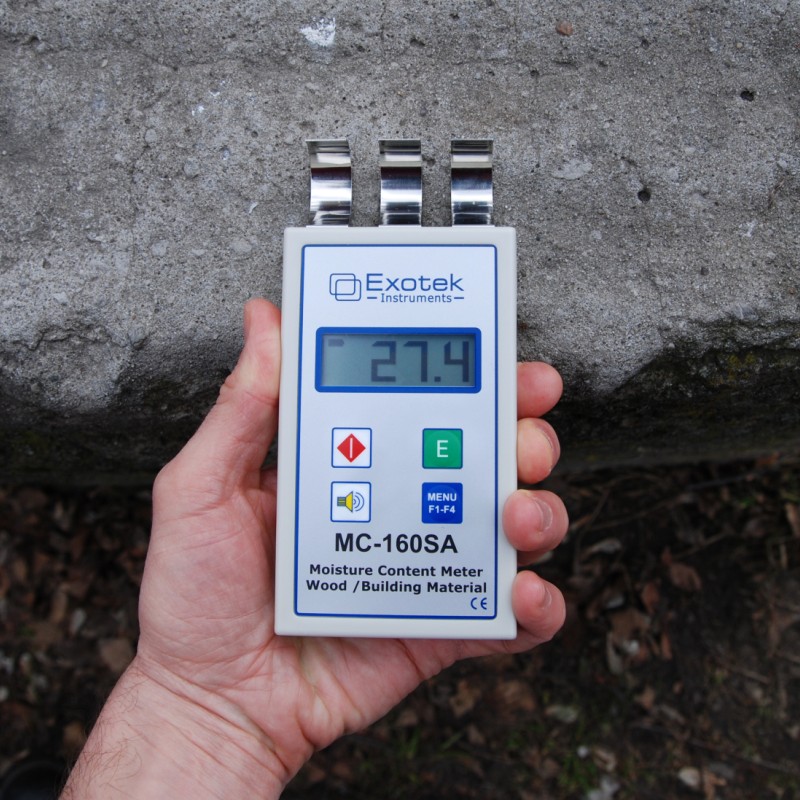
Exotek MC-160SA is a professional pinless moisture meter for wood and building materials (concrete/screed/brick/plaster, etc.). It does not puncture the material with pins: it measures through a high-frequency capacitive field, while three spring-loaded steel contacts make contact with the surface. The result is a quick way to scan an area, find “wet spots,” and monitor drying without causing damage.

What it measures: %H₂O and RH% (for building materials)
The MC-160SA displays moisture content in %H₂O for wood and building materials (within the ranges set by the material group). Another benefit is the relative humidity RH% display mode for building materials: when working with concrete/screed, RH is often a more useful measure for assessing whether a substrate is ready for a floor covering.
One important point: as with any noninvasive moisture meter, accuracy depends directly on selecting the correct material group, the conditions beneath the material, and the uniformity of the layer. This tool is ideal for monitoring, comparing areas, finding leaks, and quick construction inspections.
Material groups: wood by density + building materials E0–E5
For wood, the meter uses groups based on density (approximately 200–1100 kg/m³), covering about 230 species. Building materials have separate codes, E0–E5. This is critical: choose the wrong code and you will get a “very precise” number that… means nothing.
How to use it (a quick, straightforward guide)
1) Turn on the meter and select the material code (wood/building material).
2) Let it perform automatic zero correction (usually by holding it in the air for a few seconds).
3) Place it at an angle of ~40° so that all 3 springs touch the surface.
4) To find “wet areas,” move the meter across the surface like a scanner.
5) To freeze a reading, use Hold mode (if active in your revision) or averaging/memory mode.
Practical tips: do not measure over a metal backing; for thin materials, it is better to stack sheets without air gaps; if the surface is wet, a thin layer of PVC film between the springs and the material can sometimes help prevent readings from picking up only “water on top.”


Features that really save time
Audible alarm (buzzer) with a threshold is handy when sorting boards or quickly checking a wall after a leak: set the threshold, and the meter beeps when moisture exceeds it.
Display backlighting and a useful resolution of 0.1% may seem like small things, but they make a real difference in basements and new construction.
Who it is best for
MC-160SA is a good choice for woodworkers and furniture makers, flooring installers, contractors, quality inspectors, and anyone who monitors wood drying or looks for hidden moisture in building structures. If you need more than an approximate reading and want consistent, repeatable results, this class of meter is designed for that.
If needed, you can check detailed technical data in the official datasheet (PDF): MC-160SA Datasheet.