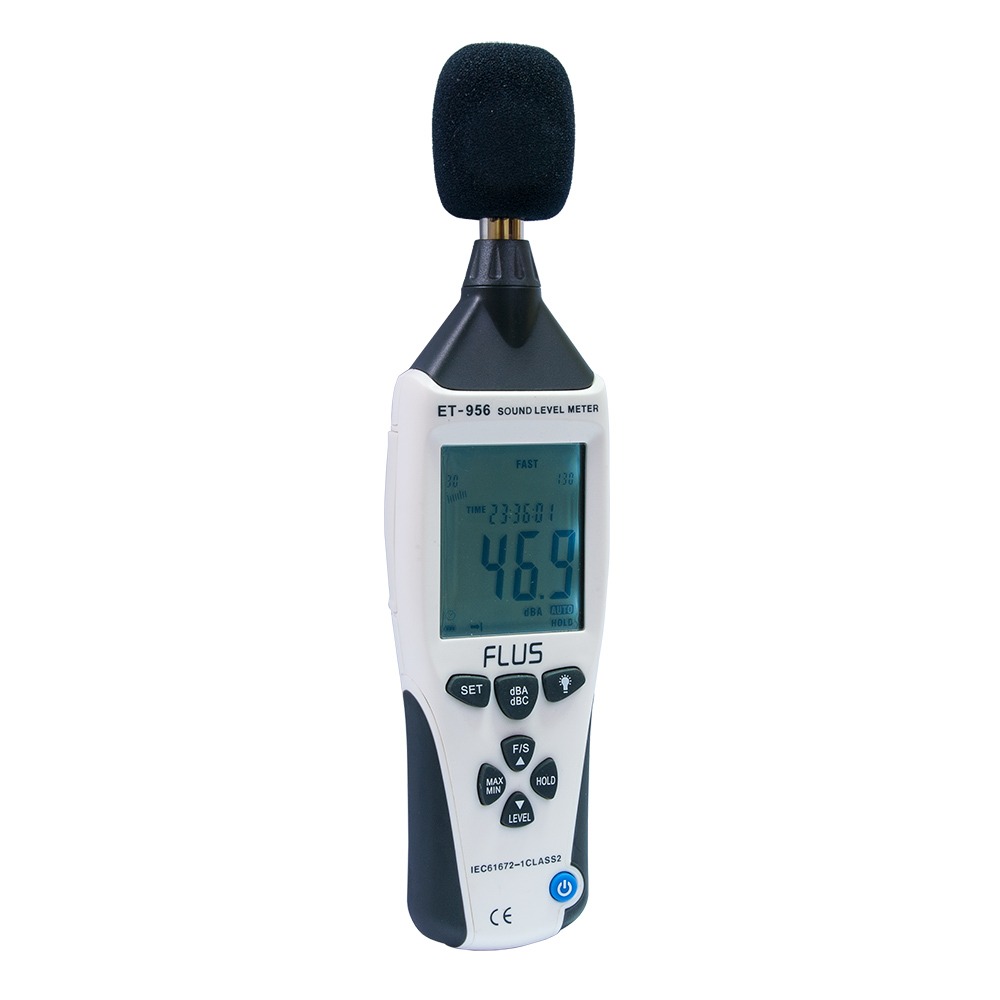
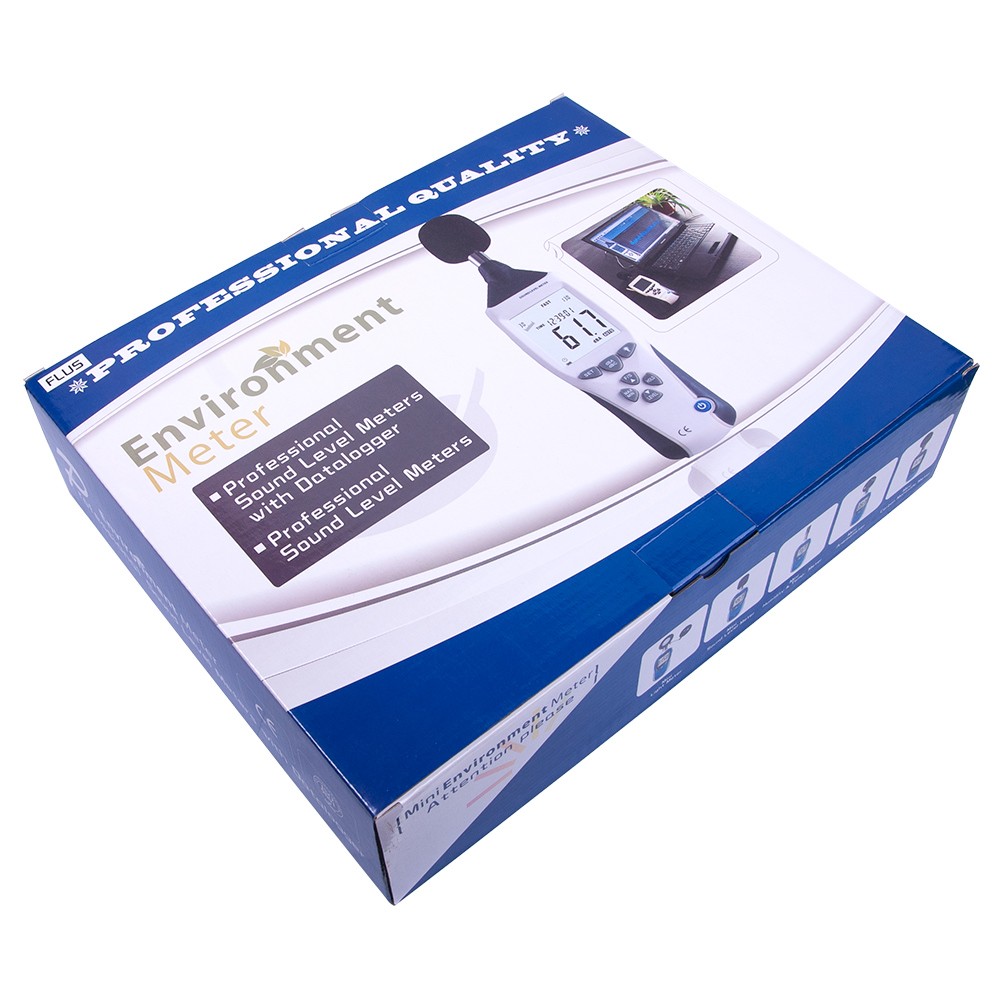
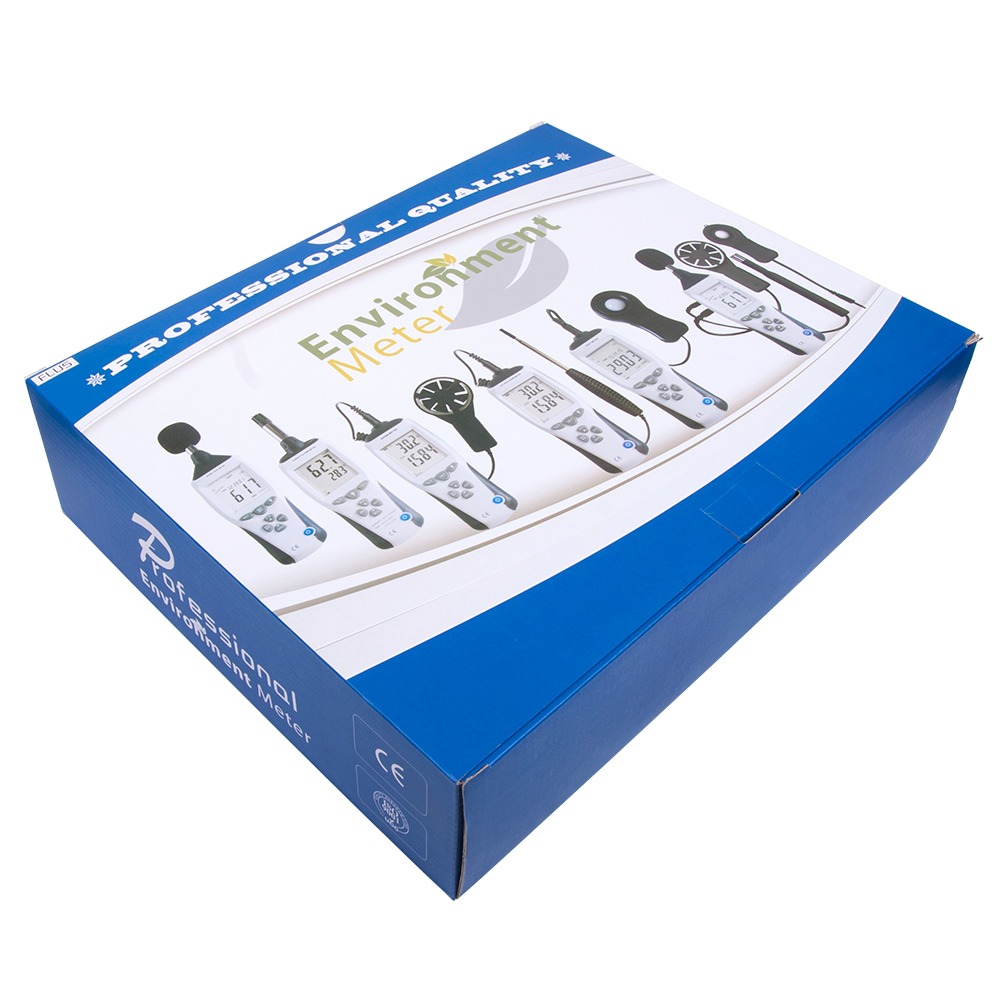
Flus ET-956
Delivery and payment
Choose your city or town to see the price with delivery there and when you can get it.
Pickup points
- Branch
- Parcel locker
Pros
- Real-time USB logging
- IEC 61672-1 Class 2
- A/C and FAST/SLOW modes
- MAX/MIN, HOLD, OVER/UNDER
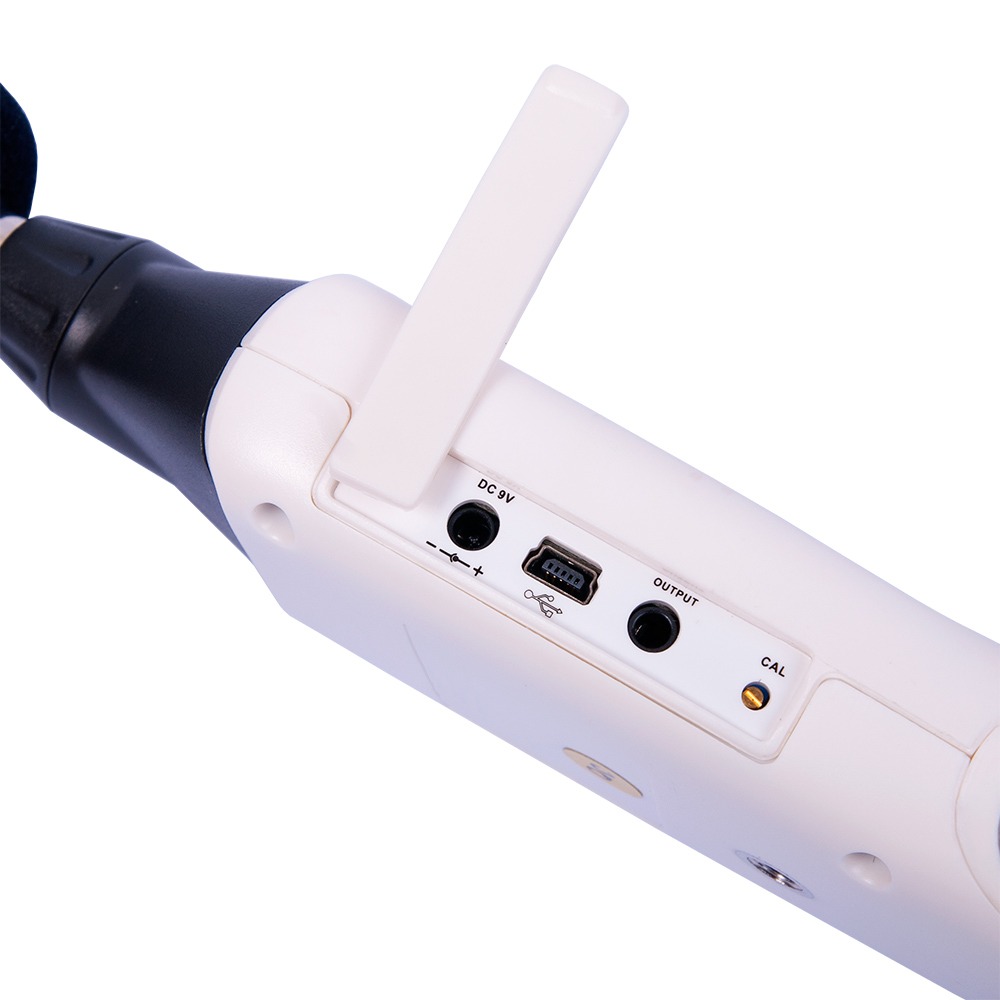
- Analog AC/DC output
Cons
- Logging requires a PC
- Software is mostly for Windows
- Not Class 1 for “official” measurements
Flus ET-956 is a sound level meter for those who need more than a single reading
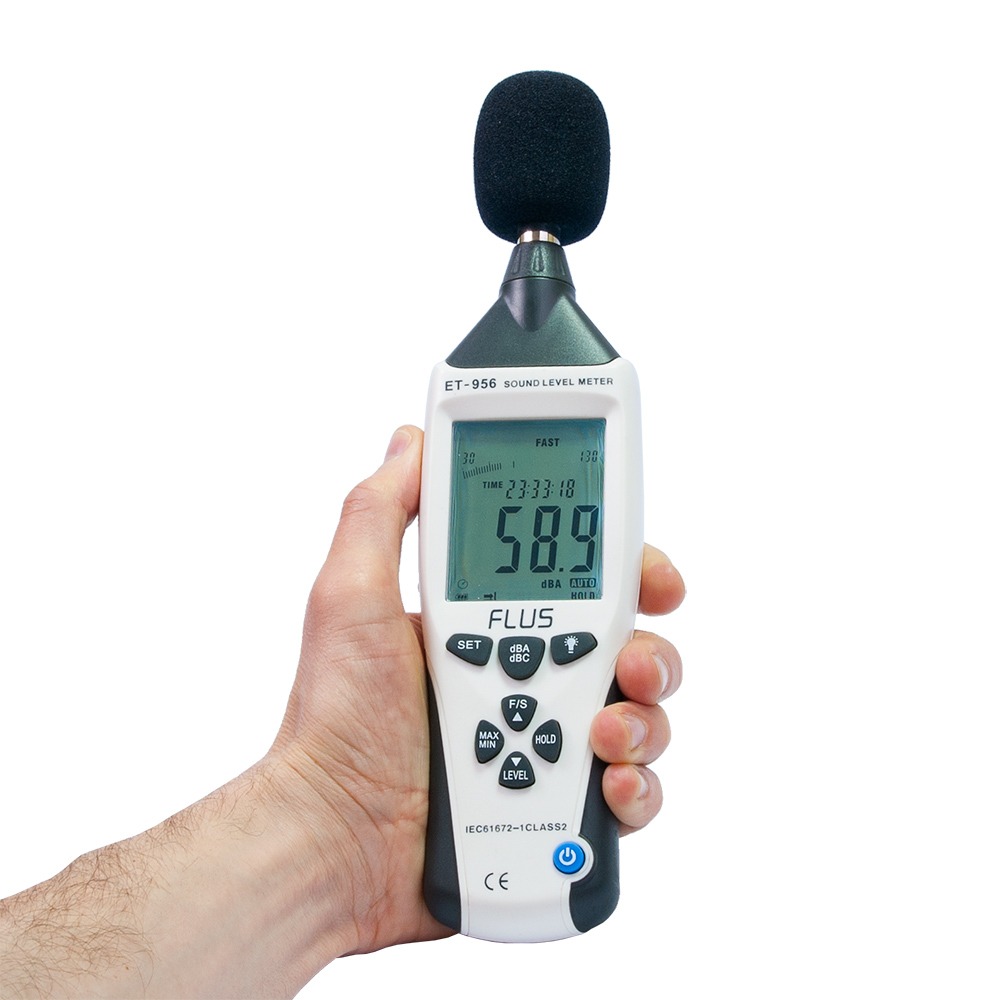
The Flus ET-956 is a professional sound level meter (decibel meter) with a standard set of field features (A/C weighting, FAST/SLOW, MAX/MIN, and overload indication), plus one key advantage: it can send data to a computer and display sound levels on a real-time graph. That is why it is called a USB online logger.
If you need more than a one-time reading near an exhaust fan and want to track exactly when and how much noise spikes, the ET-956 is designed for the job. It can help with nighttime surprises from neighbors, workplace noise, or acoustic monitoring in an office, classroom, or studio.

Accuracy and ranges: practical performance, no magic
The model meets IEC 61672-1 Class 2 (class 2). This is a practical standard for most engineering tasks: indoor noise monitoring, preliminary surveys, technical comparisons, and diagnosing noise sources.
The measurement range is 30–130 dB, with automatic or manual subrange selection (Lo/Med/Hi). Resolution is 0.1 dB, stated accuracy is ±1.4 dB, and the operating frequency range is 31.5 Hz – 8 kHz. There are two essential weighting filters: dBA (home and office use) and dBC (when low frequencies and peaks matter more).
FAST or SLOW: capturing peaks or the overall picture
The ET-956 has two time weighting modes:
FAST (125 ms) captures rapid peaks such as impacts, clicks, and short bursts. SLOW (1 s) smooths the readings and is useful for assessing more stable background noise.
Readings typically update about 2 times per second, fast enough to see how noise changes without feeling as though the meter takes longer to think than the noise lasts.
Why it is an “online logger”: the benefits of connecting to a PC
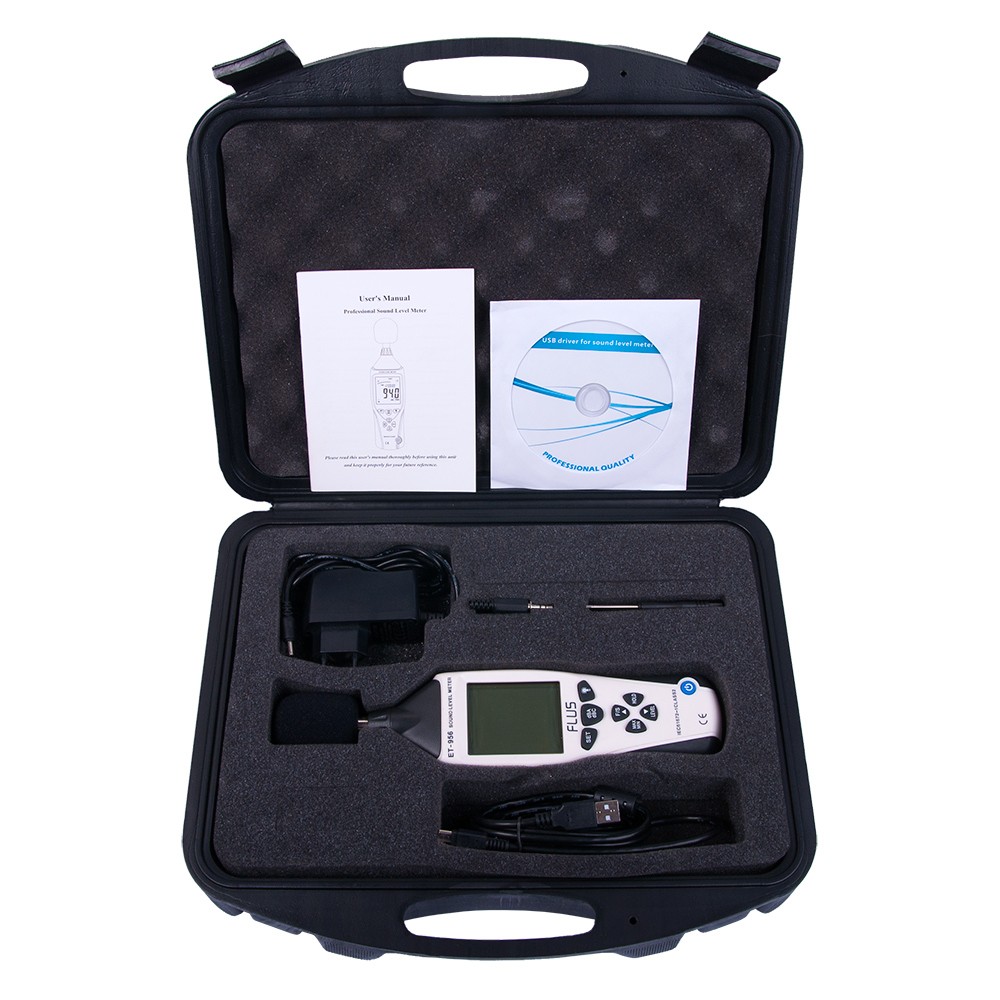
The ET-956's main advantage is that it works with a PC over USB, giving you a live graph of changing sound levels and recording measurements to a file for later analysis. Typical software, often found under the name SOUND LEVEL METER, usually offers these features:
Real-time graph; lower and upper limit settings with visual highlighting of out-of-range readings; polling interval selection; a virtual replica of the meter that mirrors its readings; and data saved to files in common formats such as TXT/XLS.
Important: The ET-956 is a logger that requires a computer. If you need unattended logging without a computer, look for models with internal memory (usually a different version in this series).
Outputs, mounting, and small details that can make a difference
In addition to USB, the model has an analog AC/DC output (via a 3.5 mm jack), useful for connecting an external analyzer or recorder or integrating it with third-party equipment.
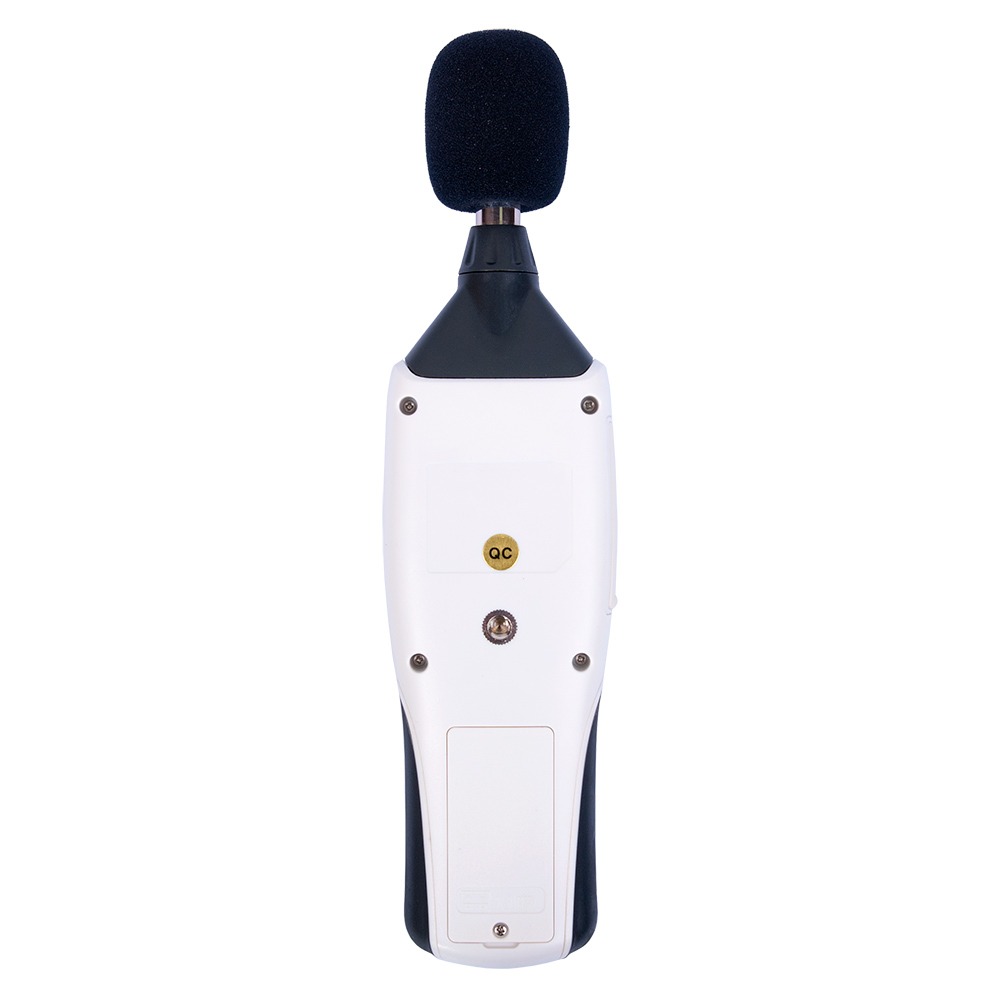
For extended measurements, the housing usually has a threaded tripod mount (the tripod may be optional). A microphone windscreen is often included to prevent wind and airflow from creating unwanted measurement noise.
Power and battery life
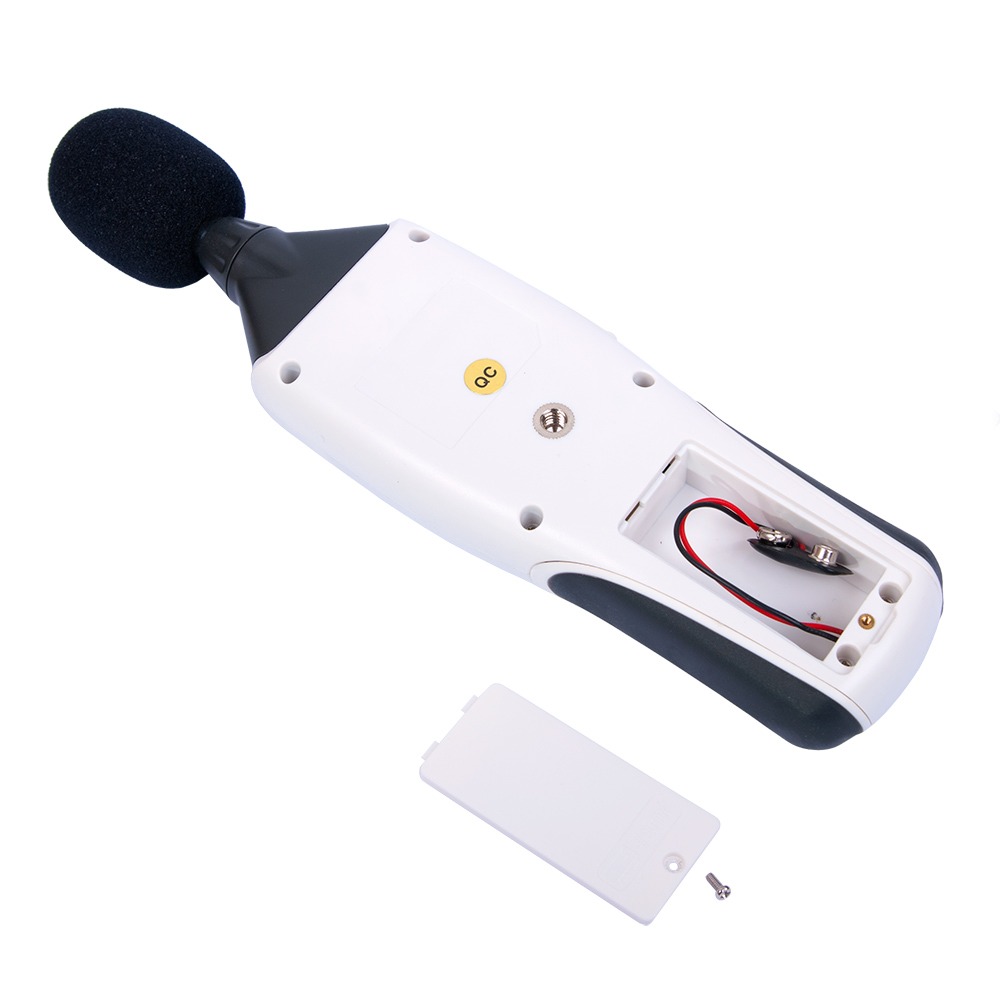
The meter is powered by a 9 V battery (6F22/006P), with a stated runtime of approximately 30 hours or more, depending on the modes used. For stationary measurements lasting several hours, a power adapter is convenient because it saves the battery during long sessions.
Auto power-off activates after a period of inactivity, which is useful when the meter is out in the field and you forget to turn it off.
Who is the Flus ET-956 for?
A good fit if you diagnose indoor noise, compare different noise sources, prepare technical reports for yourself or your team, want to track changes and keep a data file, or perform engineering measurements for occupational safety or production tasks.
May not be a good fit if you need legally airtight reports that meet the strictest requirements, which often call for Class 1 and specific calibration or verification procedures.
One last useful tip
For more stable measurements, place the meter on a tripod, fit the windscreen, and select dBA + SLOW for background noise or dBC + FAST for peaks. If possible, check calibration with an acoustic calibrator before and after a series of measurements.
If you need a short official document that is easy to print, you can open the one-page ET-953/956/958 series datasheet and check the key specifications. PDF Datasheet (ET-953/956/958).