Raspberry Pi 4 Model B 4 GB
Pros
- Powerful SBC for DIY projects and servers
- USB 3.0 + Gigabit Ethernet
- 2× micro‑HDMI (up to 4K)
- Wi‑Fi ac + Bluetooth 5.0
- Huge community and software ecosystem
Cons
- Power supply and storage required
- Cooling needed under load
- micro‑HDMI requires cables/adapters
Raspberry Pi 4 Model B: a pocket-sized computer that's still relevant
The Raspberry Pi 4 Model B is a single-board computer (SBC) that can serve as a learning platform for Python/Linux, a small home server, a media center, or the “brain” of a robotics project. The series comes in several RAM configurations (most often 1/2/4/8 GB), but the board is otherwise the same: the same ports, form factor, and set of project interfaces.
Here's a bonus that matters to more than just hobbyists: the platform has an officially planned long production life. The Raspberry Pi 4 Model B is scheduled to remain in production until at least 2034. That's important for DIY projects and small production runs.
Ports and connectivity: a small board with a serious selection
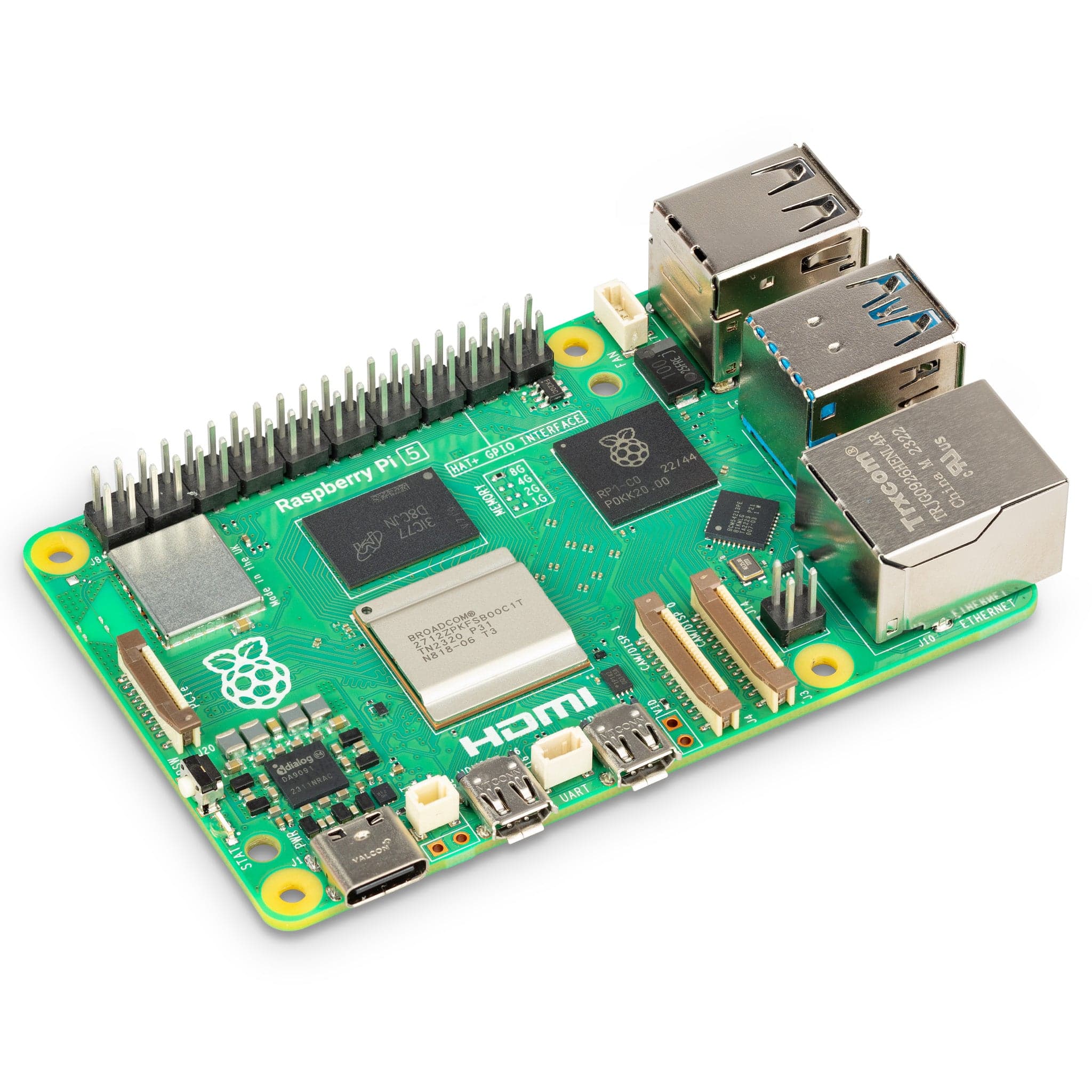
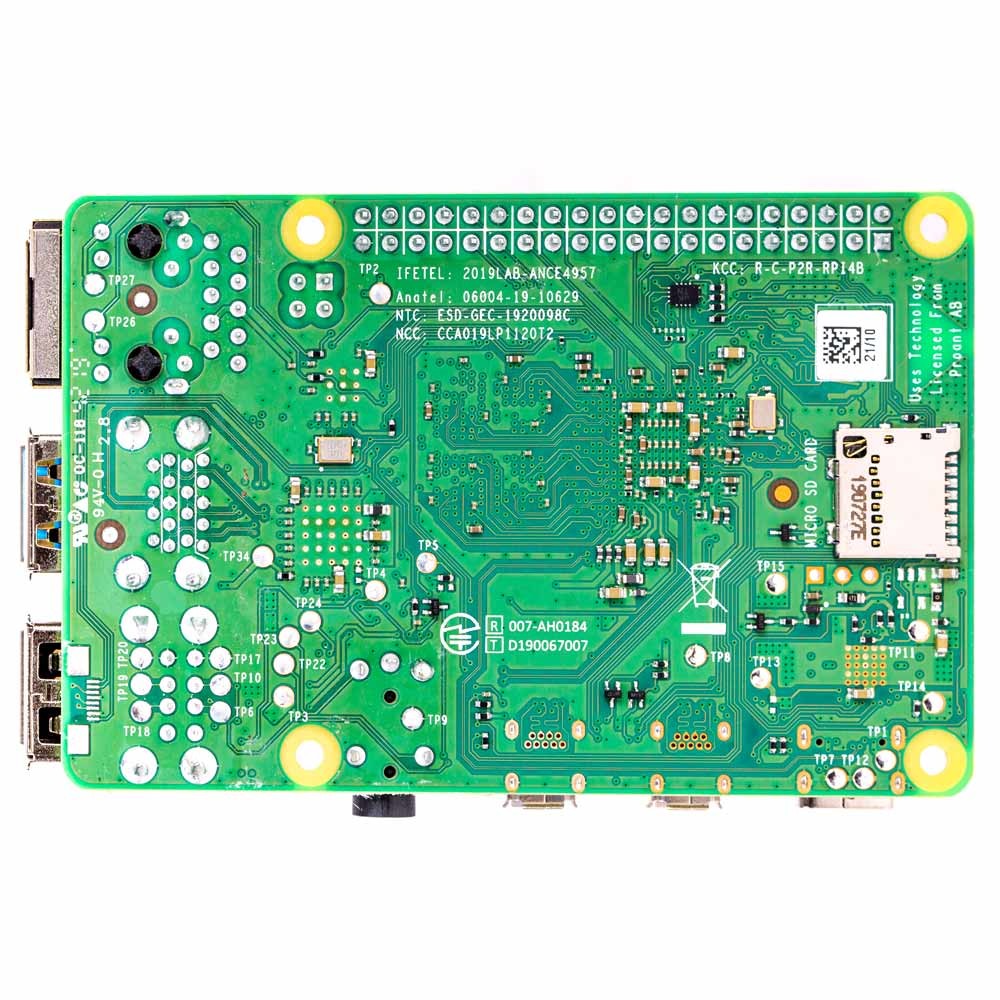
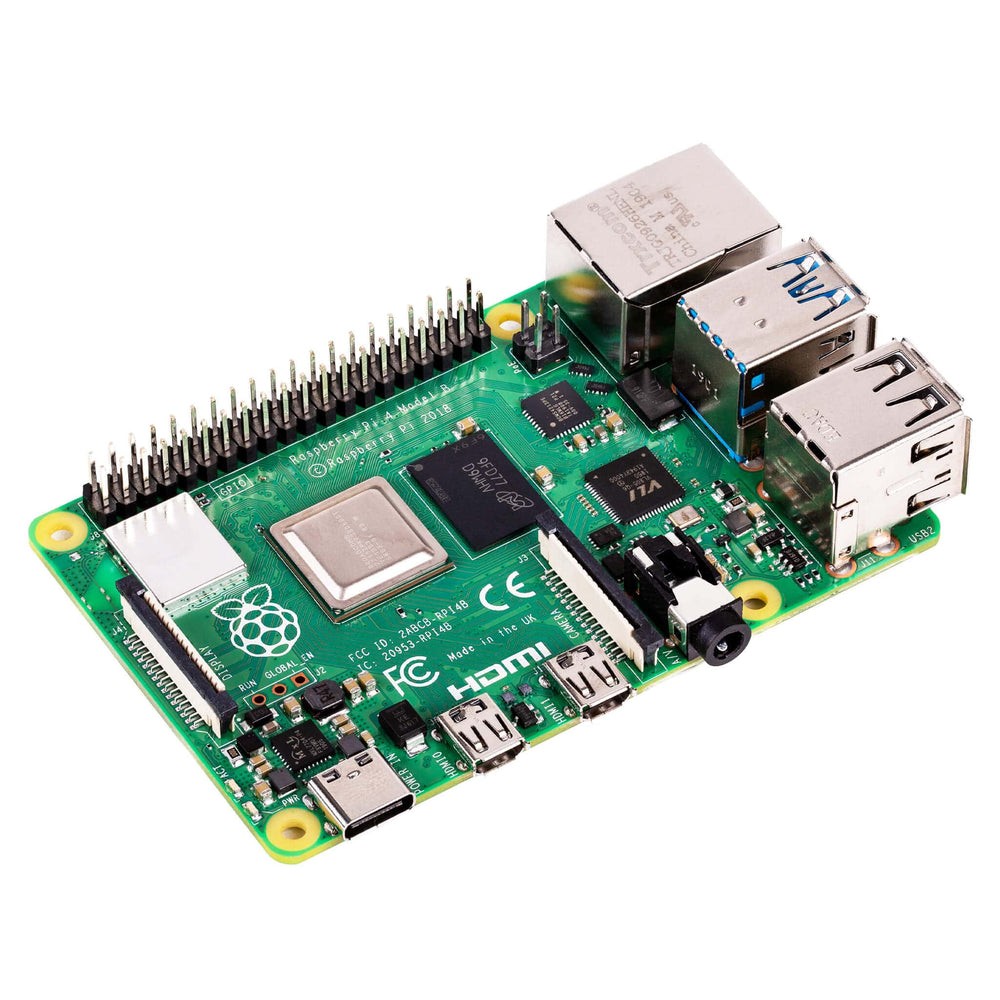
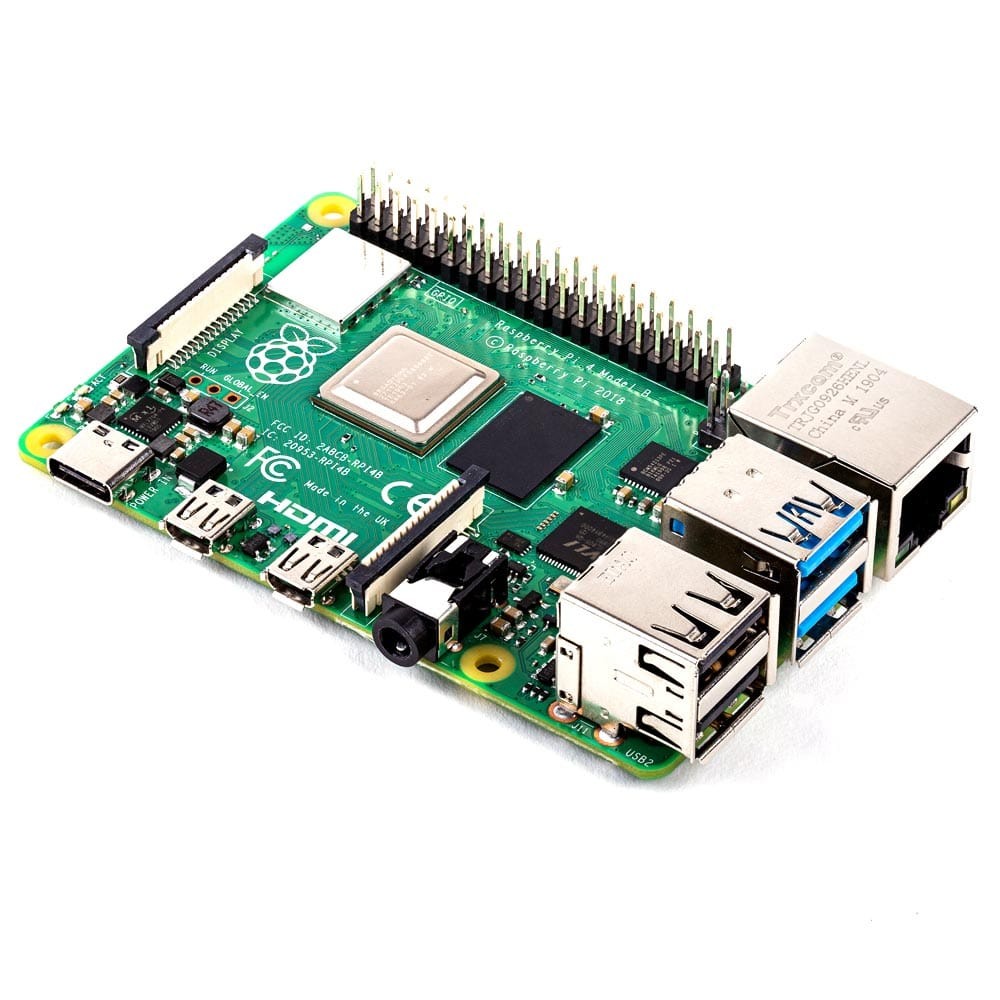
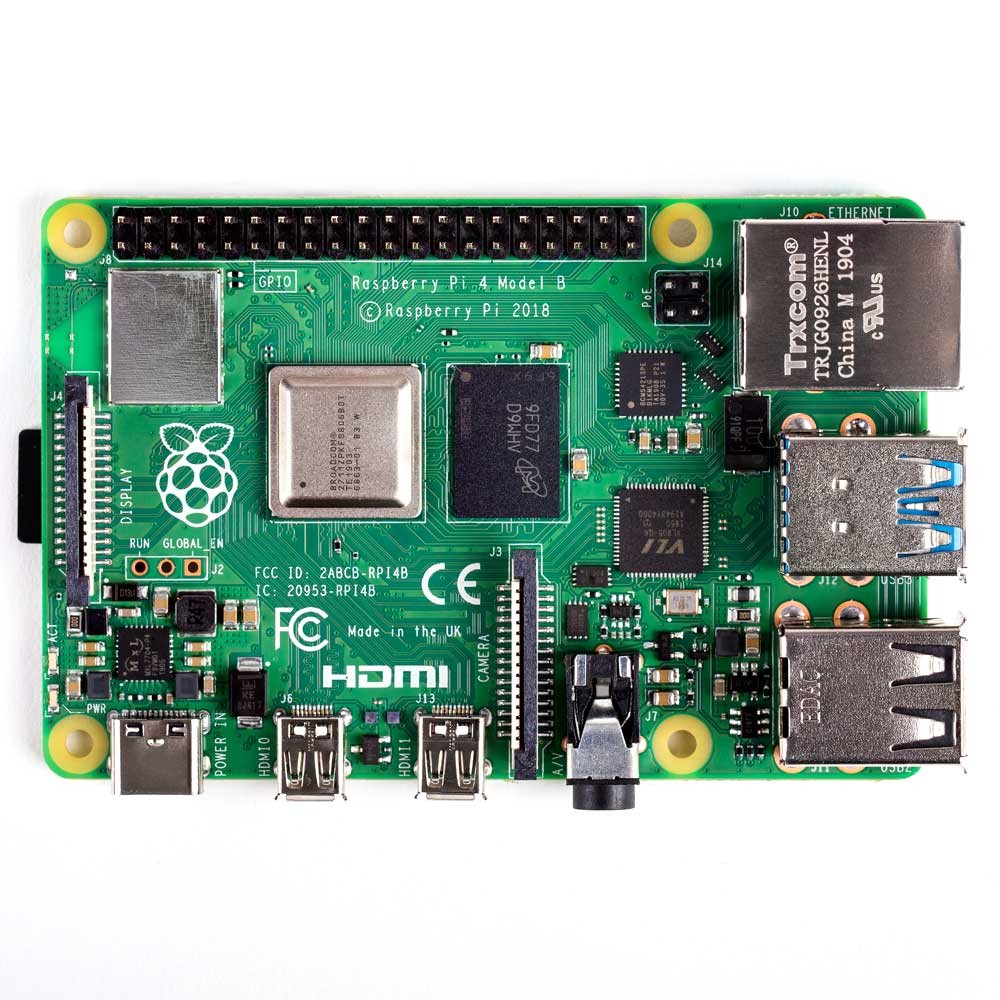
A major reason the Pi 4 became a popular choice for home servers is its capable I/O. It has Gigabit Ethernet, two fast USB 3.0 ports for SSDs/adapters, and two USB 2.0 ports for a keyboard, mouse, or dongles. There are also two micro‑HDMI ports for displays.
Here's a quick rundown of what the board offers:
- 2 × micro‑HDMI (supports 2 monitors; typically 2× 4K@30 or 1× 4K@60)
- 2 × USB 3.0 + 2 × USB 2.0 (handy for an SSD, TV tuner, Zigbee dongle, and more)
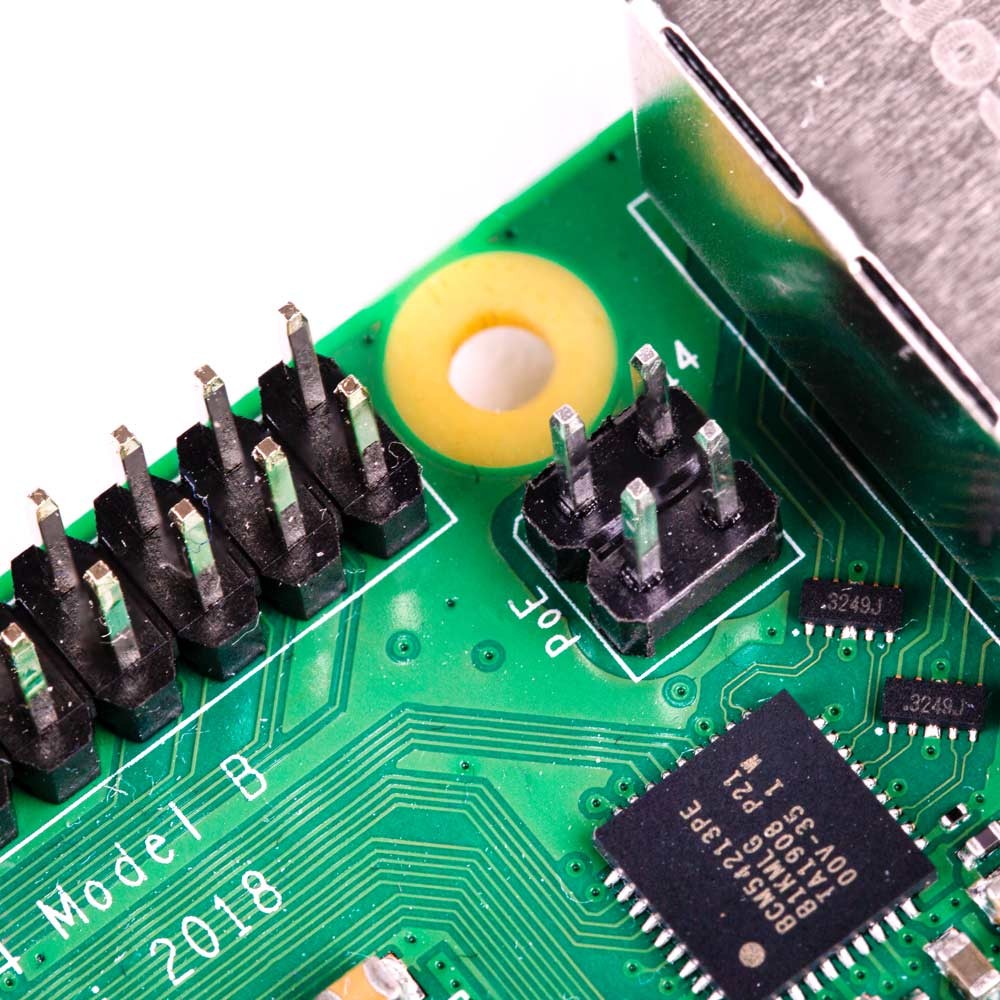
- Gigabit Ethernet, plus PoE support through a separate PoE HAT
- 40‑pin GPIO for HAT boards and sensors
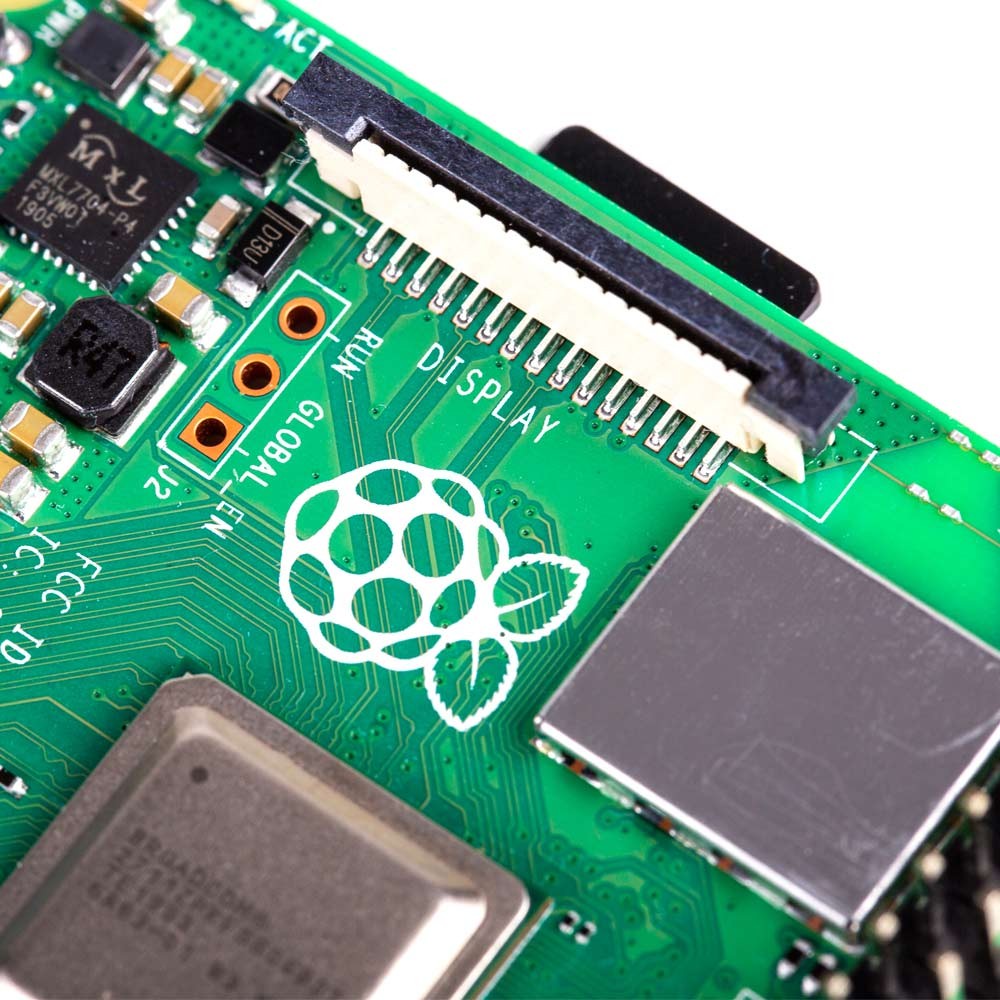
- Camera (CSI) and display (DSI) ports
- 3.5 mm TRRS: analog audio + composite video
Performance and multimedia: from soldering LEDs to running containers
The Raspberry Pi 4 has a Broadcom BCM2711 with 4 Cortex‑A72 cores (64‑bit). Depending on the board revision and OS settings, the base frequency is usually 1.5–1.8 GHz (on newer boards, Raspberry Pi OS can run at 1.8 GHz out of the box). The difference is noticeable in everyday tasks: the Pi 4 handles web interfaces, Home Assistant, Pi‑hole, small Docker services, and a lightweight desktop much more confidently than previous generations.
For video, there's hardware H.265 decoding up to 4K@60, making a media center (Kodi) or a status dashboard on a large display a typical use case. One important detail: 4K@60 on the first HDMI port sometimes requires enabling the corresponding flag in the configuration, and it generates more heat (see the cooling section).
Power and cooling: two things not to skimp on
The board runs on 5 V via USB‑C, and the manufacturer recommends a power supply rated at least 3 A (a 5.1 V / 3 A supply is a common choice, providing more headroom against voltage drops). If you're connecting an SSD, radio modules, a fan, and other power-hungry USB devices, a quality power supply is essential for stability.
The second consideration is temperature. The Raspberry Pi 4 can throttle under sustained load if it's in an enclosed case without a heatsink/fan. For server use (24/7 operation, containers, transcoding, active networking + SSD), a simple heatsink or a case with a fan is a set-it-and-forget-it solution.
What else you need to make it a computer
The Raspberry Pi 4 Model B is just the board. To turn it into a working device, you'll usually need:
- Storage: microSD (at minimum) or a USB‑SSD (better for a server)
- Power: a quality USB‑C 5 V / 3 A power supply
- micro‑HDMI → HDMI cable(s) (if you need a monitor)
- A case and cooling (heatsink/fan), depending on your use
Getting started: the fastest route to your first boot
The easiest way to start is with Raspberry Pi Imager. It writes Raspberry Pi OS to a microSD card or USB drive and lets you configure Wi‑Fi, SSH, a user account, and a password before the first boot. You can download Imager from the official Raspberry Pi software page.
For a smart home hub or network services, it's convenient to set up the Pi in headless mode (without a monitor): power → Ethernet/Wi‑Fi → SSH, and you're in.
Which RAM configuration should you choose?
In short: 2 GB is a reasonable minimum for headless services and simple projects; 4 GB is a versatile choice for a server with some desktop use; 8 GB makes sense if you plan to run many containers, use demanding browser sessions on the desktop, or simply want maximum RAM headroom. 1 GB is suitable for very light tasks (an IoT gateway, a simple bot, Pi‑hole), but leaves little room to spare.
Conclusion
The Raspberry Pi 4 Model B is a classic that hasn't become a museum piece: it still offers an excellent balance of ports, networking, and performance, along with a huge ecosystem. If you need a compact Linux computer for home use, learning, or projects that you can easily customize to your needs, the Pi 4 remains one of the best options.