Raspberry Pi 5 16 GB
Pros
- Significantly faster than Pi 4
- PCIe 2.0 for NVMe/networking
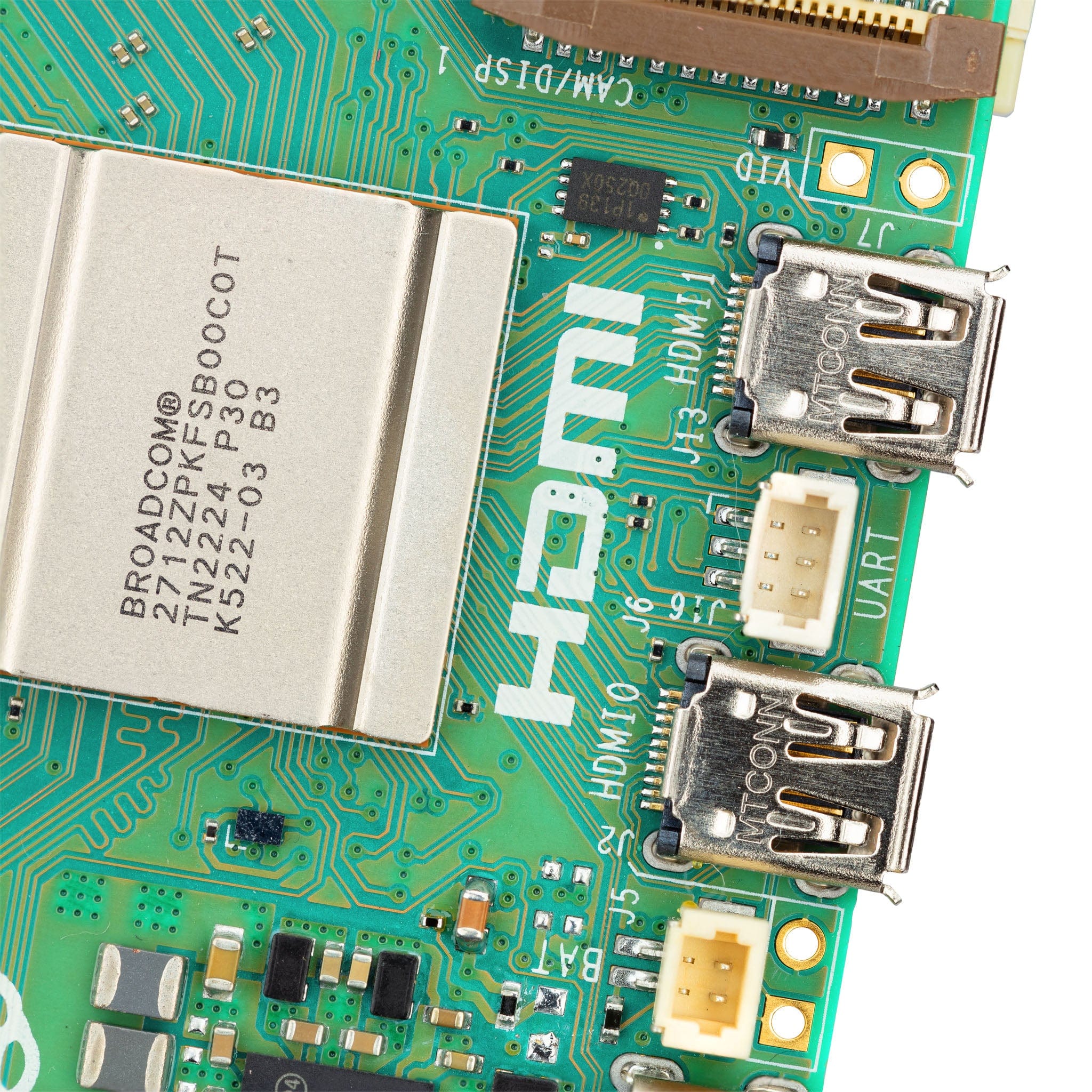
- 2× 4K60 micro-HDMI with HDR
- Two USB 3.0 ports at 5 Gbit/s each
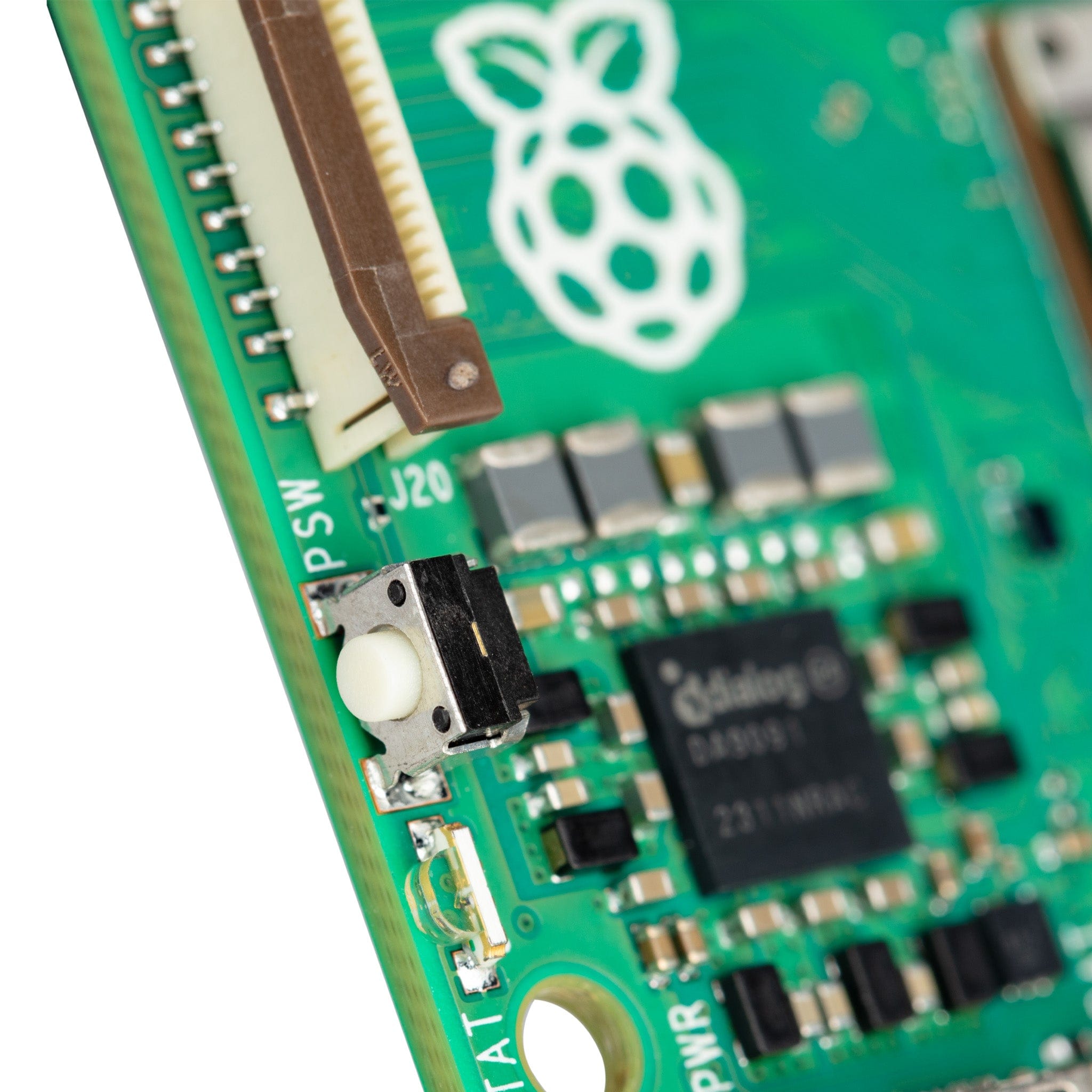
- RTC and power button
Cons
- Active cooling is almost essential
- No 3.5 mm audio output
- NVMe requires an M.2 HAT
Raspberry Pi 5: the “little” computer that finally stopped pretending to be a toy
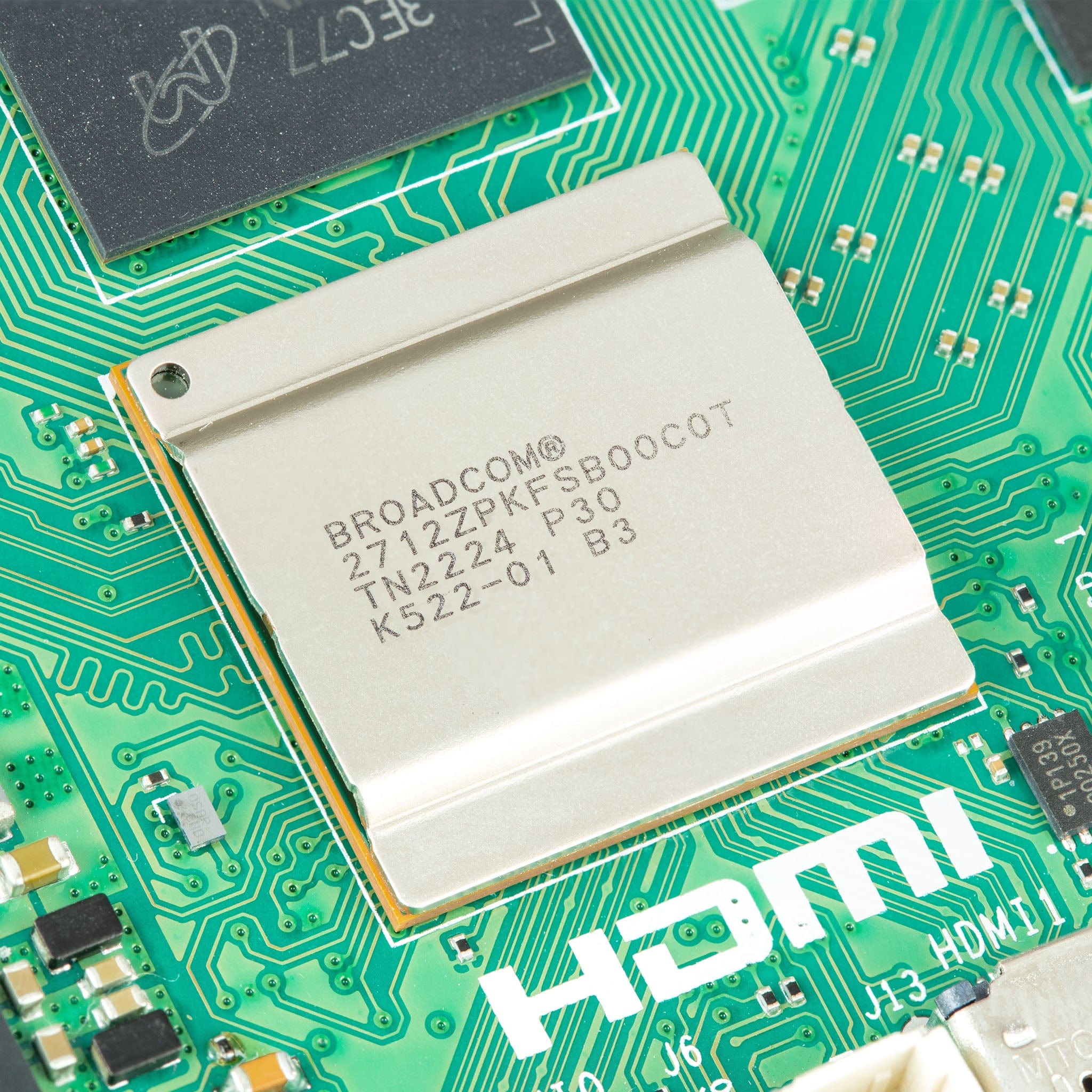
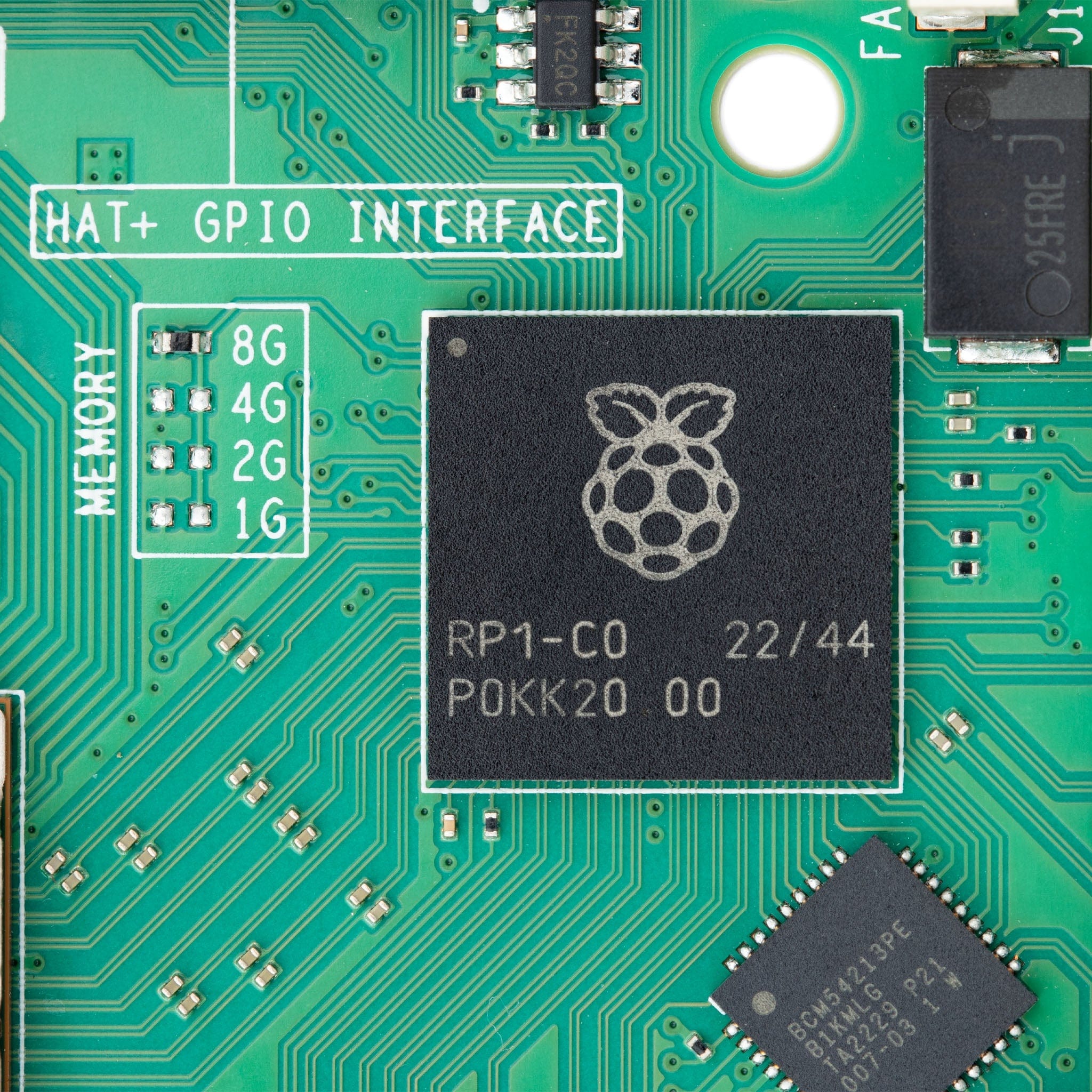
Raspberry Pi 5 sets a new standard for “actually fast” in the world of single-board computers: a 4-core Cortex‑A76 at 2.4 GHz, noticeably more powerful graphics (VideoCore VII), proper USB 3.0 bandwidth without any tricks, and (finally) PCIe 2.0 x1 for fast storage and other peripherals.
It is also the first Raspberry Pi in the “full-size” form factor where the manufacturer makes it clear: if you want consistent performance, take care of power and cooling. And that's an honest assessment.
Performance: from “running a script” to “compiling, streaming, and running Docker too”
The big leap comes from the switch to Cortex‑A76 cores and the new RP1 I/O chip (a separate controller for most ports). In everyday use, that means:
— the Raspberry Pi OS desktop feels much smoother;
— the browser and demanding web pages are less frustrating;
— USB drives and adapters run faster and more reliably;
— NVMe over PCIe becomes worthwhile (because it's no longer just there to check a box).
Ports and connectivity: everything important is on the board, but without the nostalgia
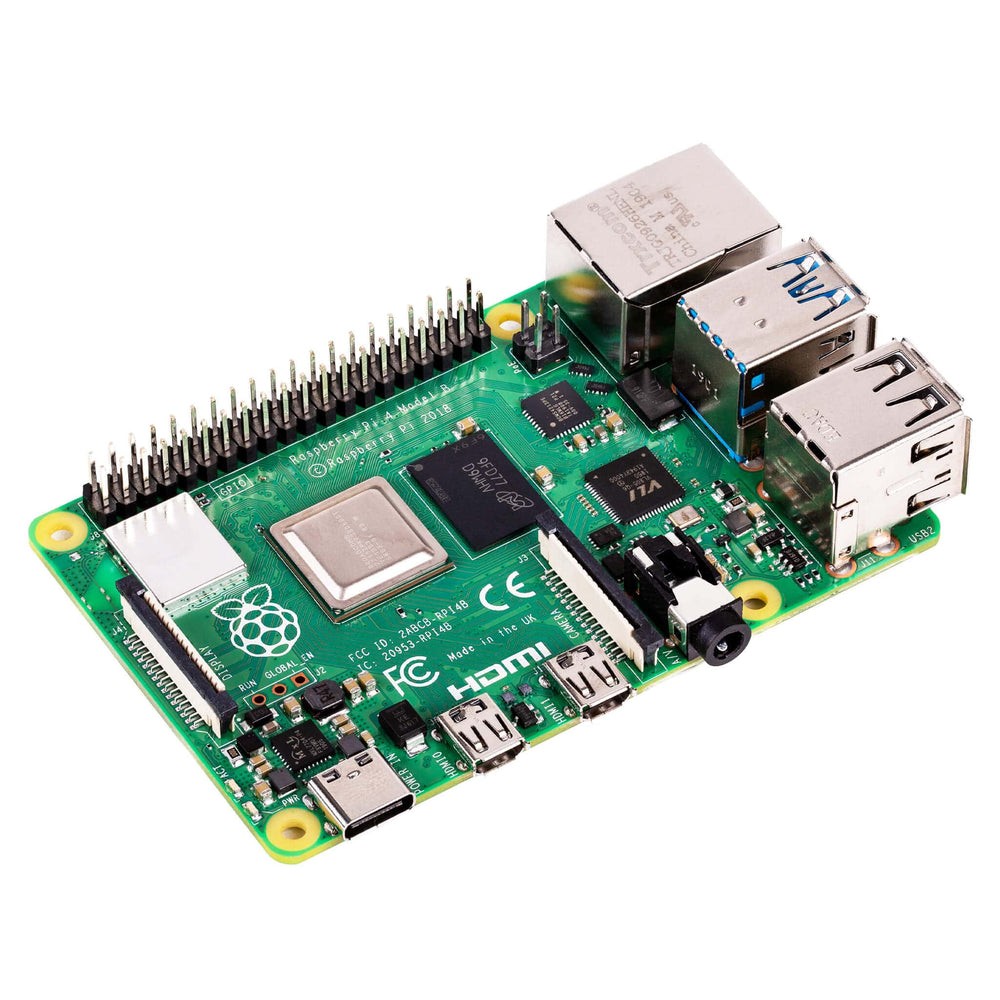
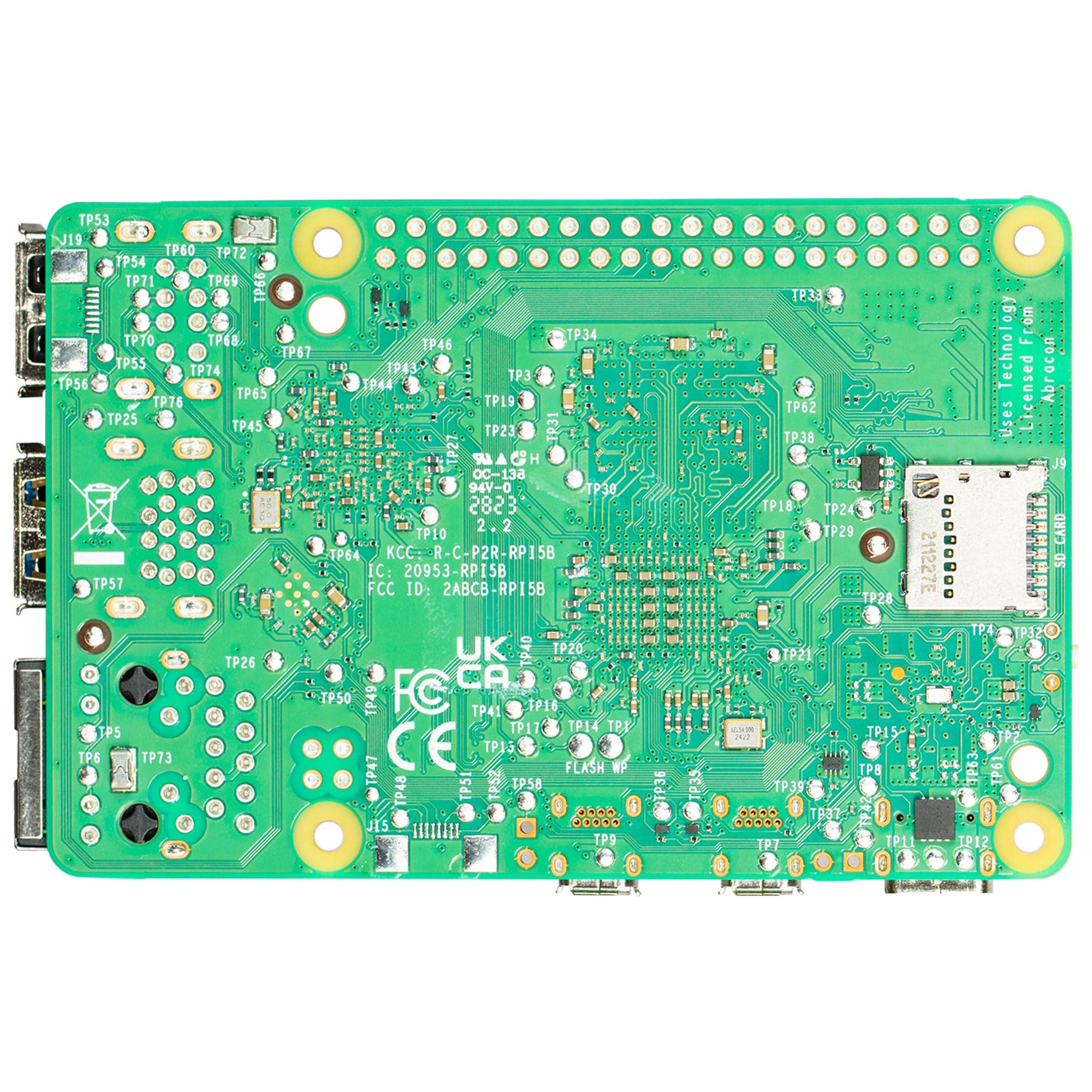
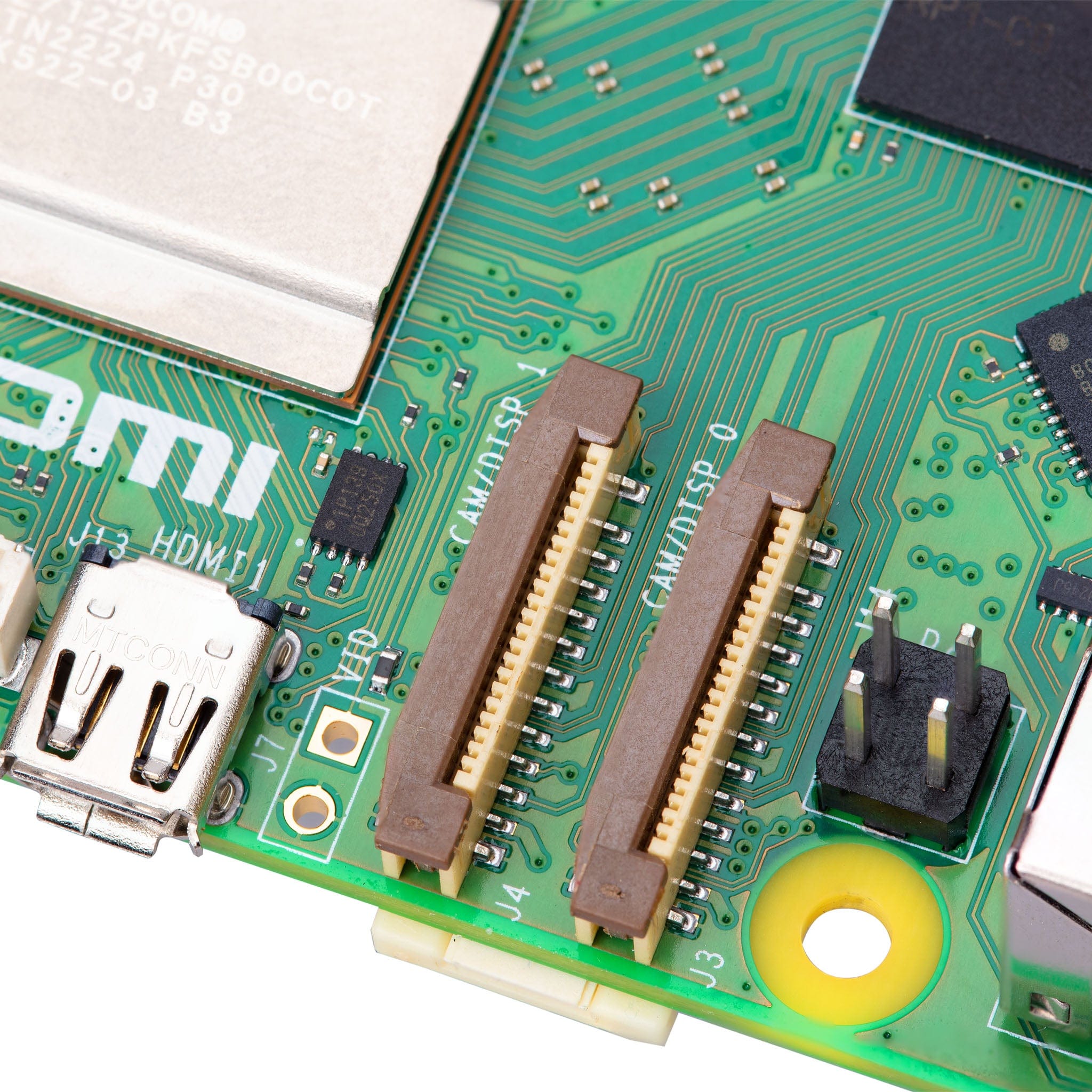
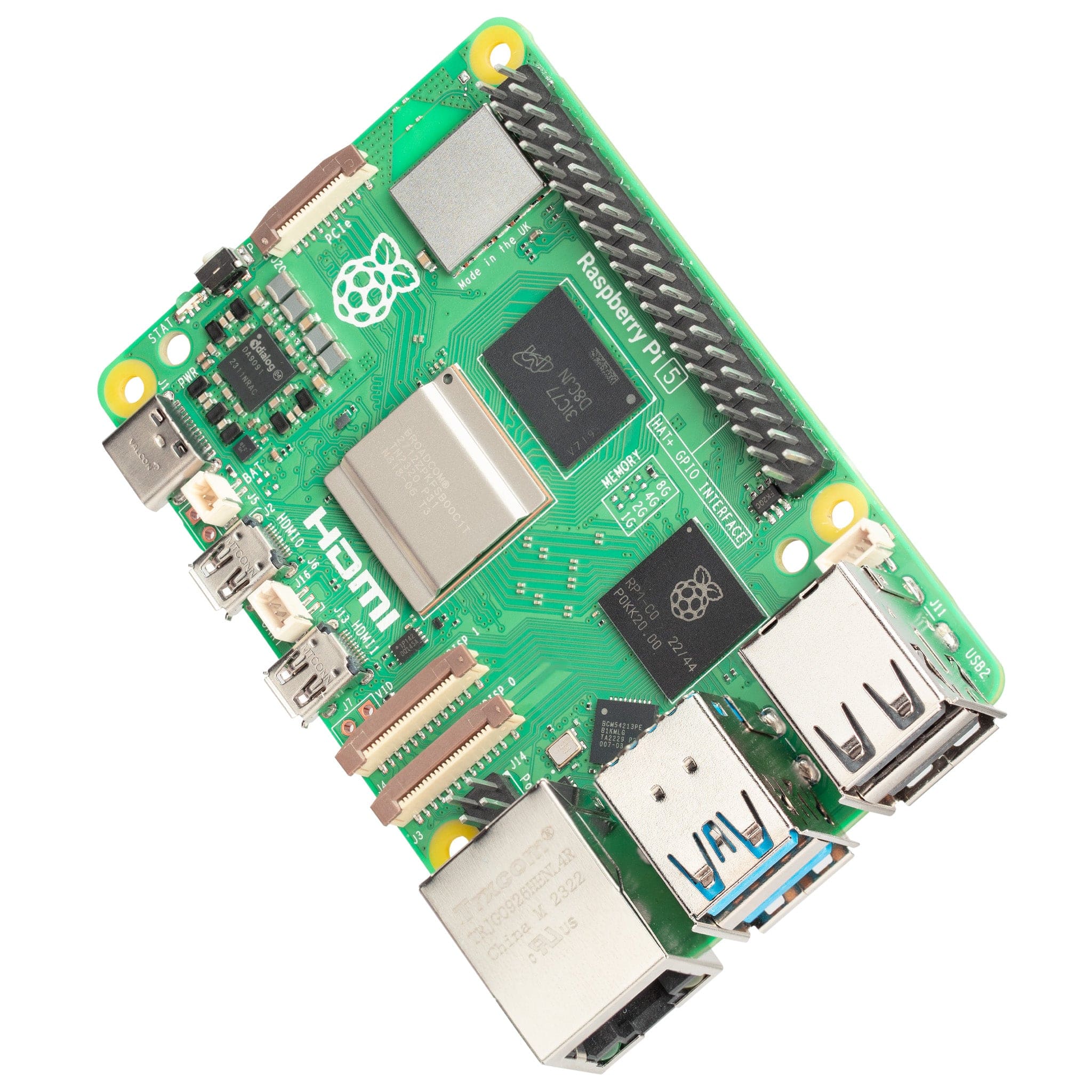
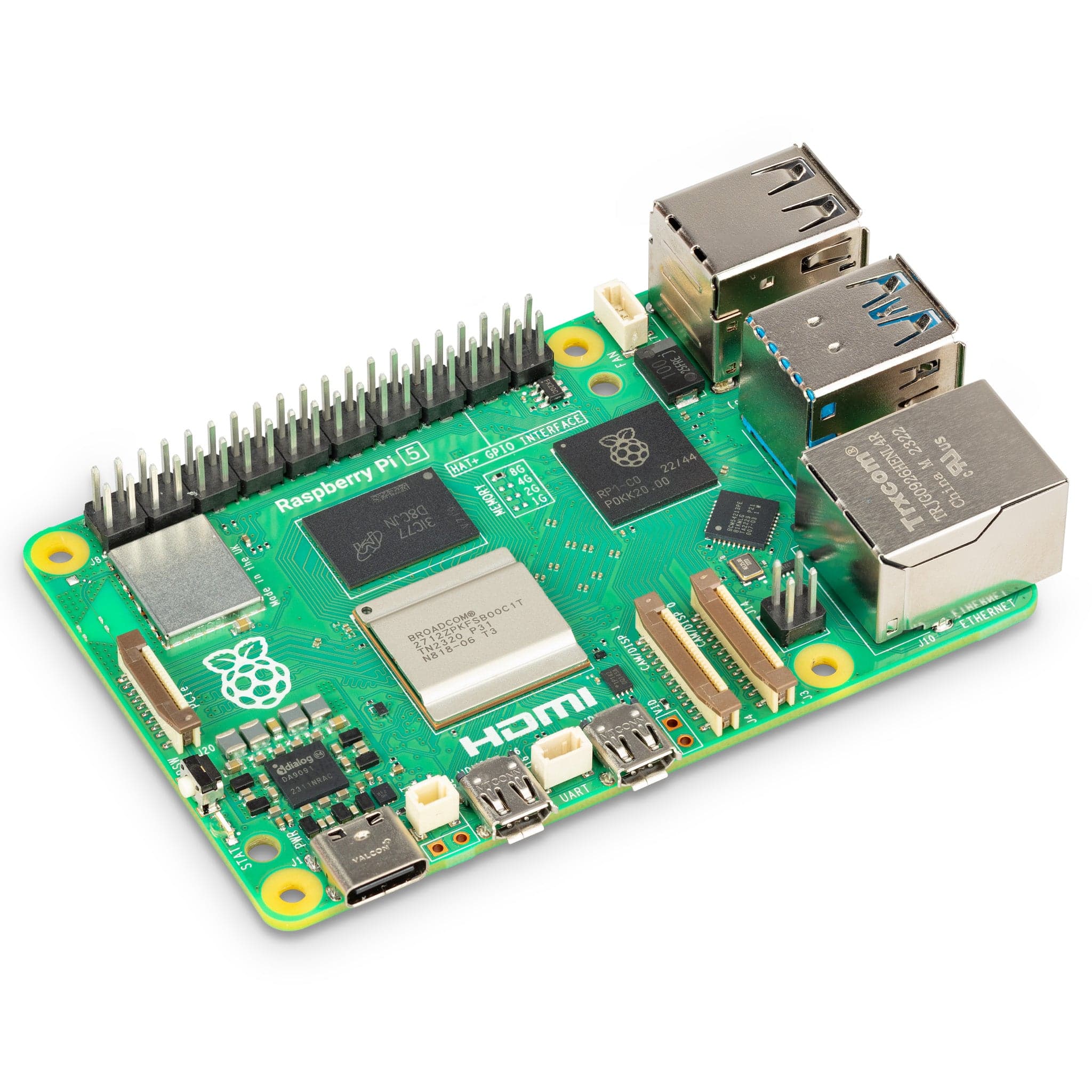
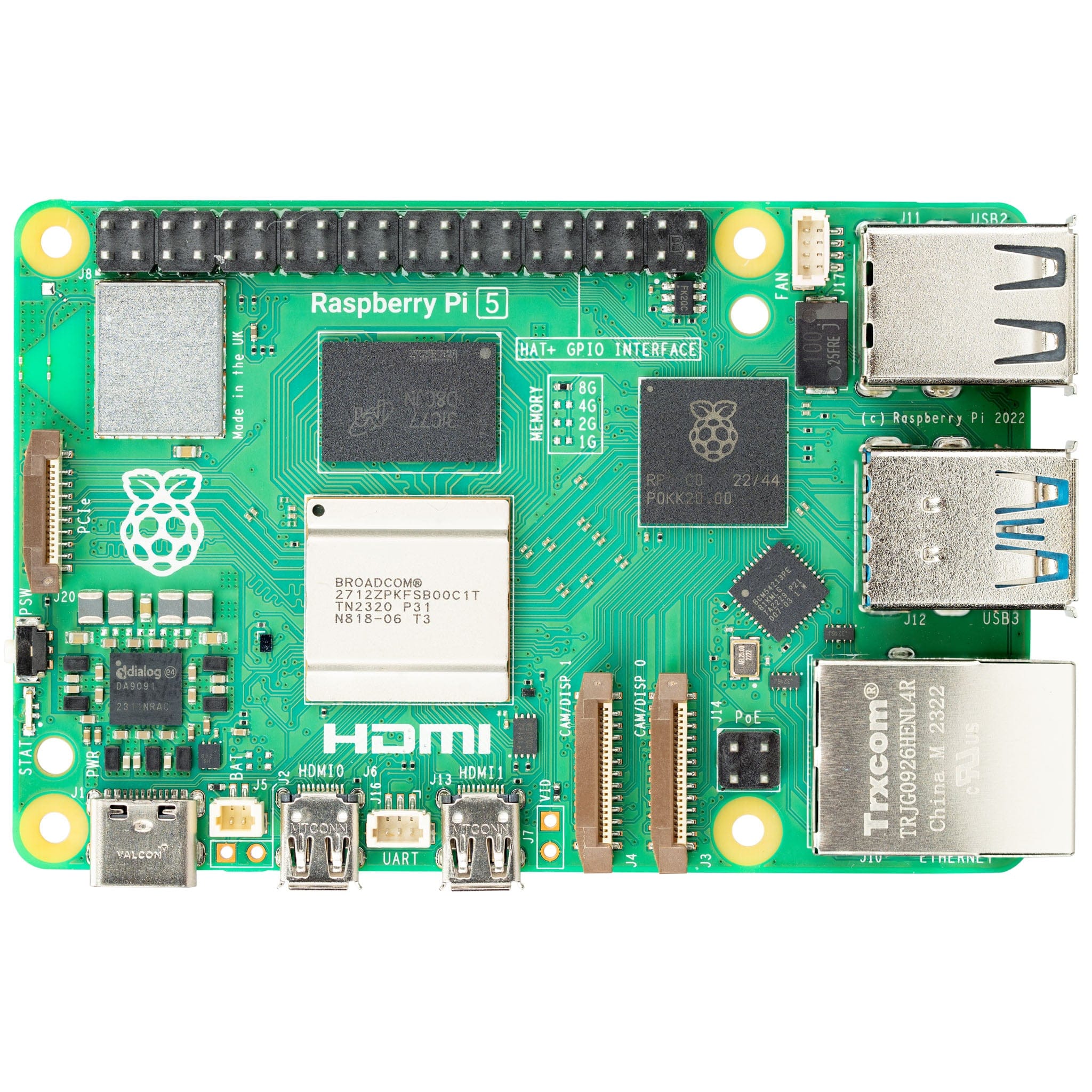
The Raspberry Pi 5 layout is instantly recognizable: 2× micro‑HDMI, 4× USB‑A (2× USB 3.0 + 2× USB 2.0), Gigabit Ethernet, USB‑C for power, 40‑pin GPIO, and two “new” combined MIPI connectors for cameras and displays (you can now use them however you like: 2 cameras, 2 displays, or one of each).
One surprise: there is no analog 3.5 mm audio output. Audio comes through HDMI, Bluetooth, or an external USB sound card/audio HAT (if you specifically need speakers or an amplifier without HDMI).
PCIe 2.0 x1: the most important “grown-up” feature
Raspberry Pi 5 has PCIe 2.0 x1 (accessible through an FFC connector). This means you can connect:
— an NVMe SSD (via a separate M.2 HAT/adapter);
— network cards/controllers (via suitable adapters);
— other “serious” peripherals that are either slow or less reliable over USB.
For many uses (a home server, lightweight NAS, media library, fast project builds, or CI on ARM), NVMe is what makes the Pi 5 much nicer to use than any previous “classic” Raspberry Pi.
Power and cooling: no more leaving things to chance
The board is powered via USB‑C and ideally needs a quality 5 V / 5 A power supply (with Power Delivery support). The reason is simple: when Raspberry Pi 5 detects a 5 A power supply, it can deliver more current to USB peripherals (up to 1.6 A total). With a less powerful supply (typically 3 A), the board limits power to the USB ports (to 0.6 A total). This is critical if you connect external SSDs/hard drives, TV tuners, SDR, high-power Wi‑Fi adapters, and so on.
Cooling: under load, the Pi 5 can get hot and throttle. The simplest solution is the official case with a fan or an Active Cooler. If you plan to compile code, run emulators, or handle server tasks 24/7, it's best to budget for cooling from the start (for your peace of mind, too).
How much RAM should you choose (1/2/4/8/16 GB)?
1–2 GB is for headless use: Home Assistant/Node‑RED, small bots, sensors, a simple gateway/controller, and lightweight server tasks.
4 GB is the most versatile option: occasional desktop use, learning, light development, a basic media center, or a small server with a few services.
8 GB is comfortable for an everyday Pi desktop, more demanding IDEs, more browser tabs, Docker setups, and painless compilation.
16 GB is for when Raspberry Pi is a tool rather than a hobby: lots of containers, caches/databases, builds, test environments, and intensive AI/computer vision projects (where RAM is essential).
Getting started
The fastest way to get started is to install Raspberry Pi OS using the official Raspberry Pi Imager (Windows/macOS/Linux): download page. If you're getting a Pi 5 for other operating systems, check image compatibility: older releases (significantly older than Bookworm) may not work with Pi 5.
Verdict
Raspberry Pi 5 is a case where a “board for $…” starts competing in the small-PC league. Yes, you'll need to think about power, cooling, and (optionally) NVMe over PCIe. But in return, you get a platform that can genuinely handle modern tasks, from smart homes and robotics to a compact server and a lightweight workstation.