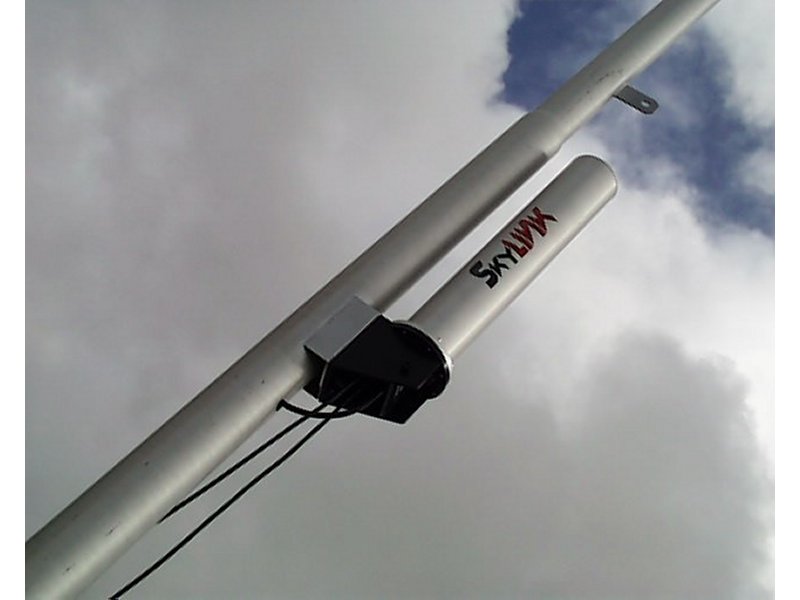
Ecotest IT-09 Stationary Radiation Monitoring System T
Pros
- Large, easy-to-read LED display
- Operates 24/7 without a “break”
- Visual and audible alarms
- Remote sensor up to 50 m away
- Can be integrated into a PC-based system
Cons
- Requires installation and power
- Not a “pocket” dosimeter
- Converter/software often sold separately
IT-09 / IT-09T: what is this “µSv/h display” and why do you need it?
The ECOTEST IT-09 information display series is a stationary way to make background radiation “visible” to people. Essentially, you get a large LED display that shows the ambient dose equivalent rate (DER) of gamma radiation and activates visual and audible alarms when thresholds are exceeded.
One important detail: the display is just a display. The measurements are taken by a remote BDBG-09 series detection unit, which is the system's “sensor,” while the display presents the results clearly and prominently.
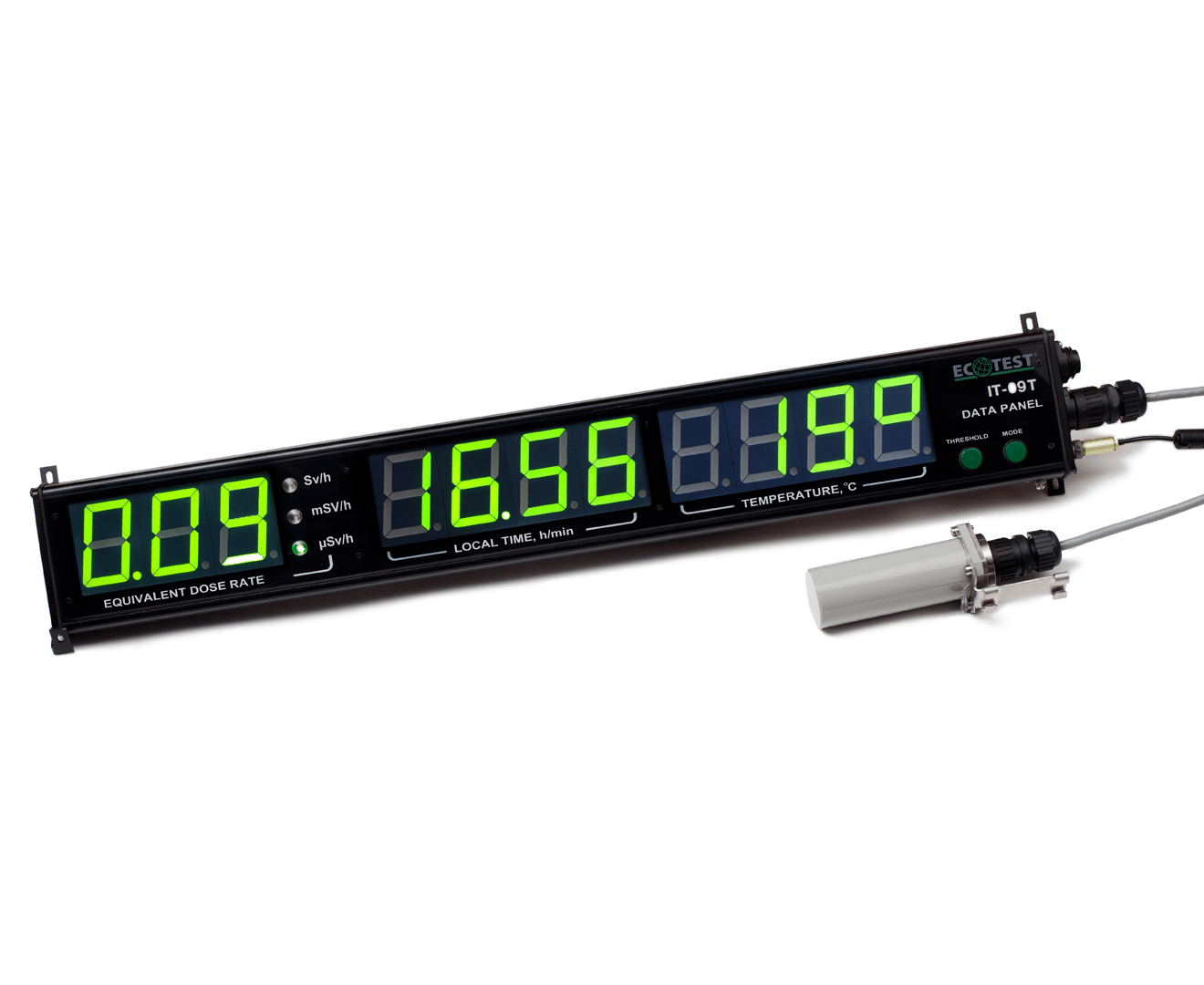
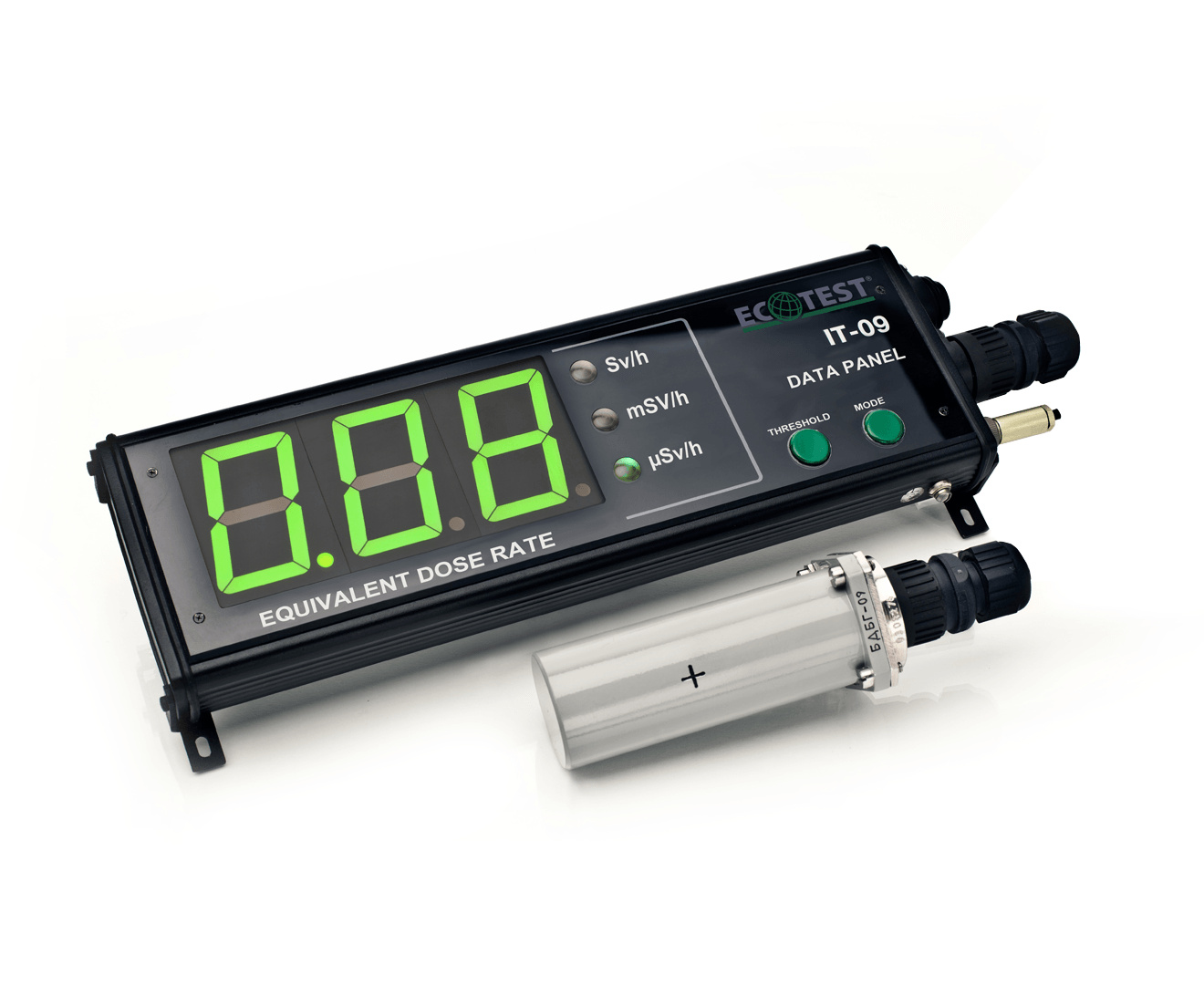
The difference between IT-09 and IT-09T, in plain English
Both versions do the same job: they display the gamma radiation dose rate from a remote sensor and sound an alarm when thresholds are exceeded. The difference is in how the information is presented and how prominently it is displayed.
- IT-09 is a more compact display that shows DER (µSv/h). It suits spaces where room is limited or where the numbers don't need to be visible from half a block away.
- IT-09T is a long display that shows the current time and ambient temperature in addition to DER. It's designed for public-facing spaces such as lobbies, checkpoints, entry points, control rooms, and hospital, school or shopping center halls.
How it works in practice: the display inside, the sensor where you need it
A typical installation looks like this: the display is placed inside the building, where people and staff can see it, while the BDBG-09 detection unit can be placed outside or kept inside, depending on what you are monitoring. The distance or cable length between the display and sensor can be up to 50 m (the exact cable length is agreed upon when ordering).
When the DER is within the set thresholds, the display simply shows the readings. When it exceeds them, you get a visual indication and an audible alarm, so this isn't a “silent” device that people can ignore.
When you need a PC and what RadMonitor offers
If you want to do more than see readings “here and now,” such as keep a log or archive and monitor several locations centrally, the display can be connected to a PC via an interface converter (optional). Software such as RadMonitor can then be used to collect and store data and provide centralized monitoring.
For reference: product pages for IT-09 and IT-09T, plus a description of the RadMonitor system.
Who the IT-09 series is for
- businesses and facilities with radiation monitoring requirements;
- civil protection, control rooms and on-duty services;
- checkpoints and entry points, train stations, subway systems and public spaces (especially IT-09T);
- laboratories, warehouses, metal depots and scrap yards, where it's important to spot something unusual quickly;
- educational institutions that want a visible way to monitor background radiation.
What to check before buying to avoid surprises
- Exactly where the sensor needs to be placed, indoors or outdoors, and what cable length you need.
- Whether you need time and temperature on the display (choose IT-09T) or only DER (IT-09).
- Whether you plan to connect to a PC; if so, factor in the interface converter and software as options from the start.
- Who will respond to alarms and which thresholds you need.
The bottom line is simple: IT-09 provides a clear, no-nonsense DER display. IT-09T does the same in a format everyone can see at all times, while also showing time and temperature so no one can say it's “just for looks.”