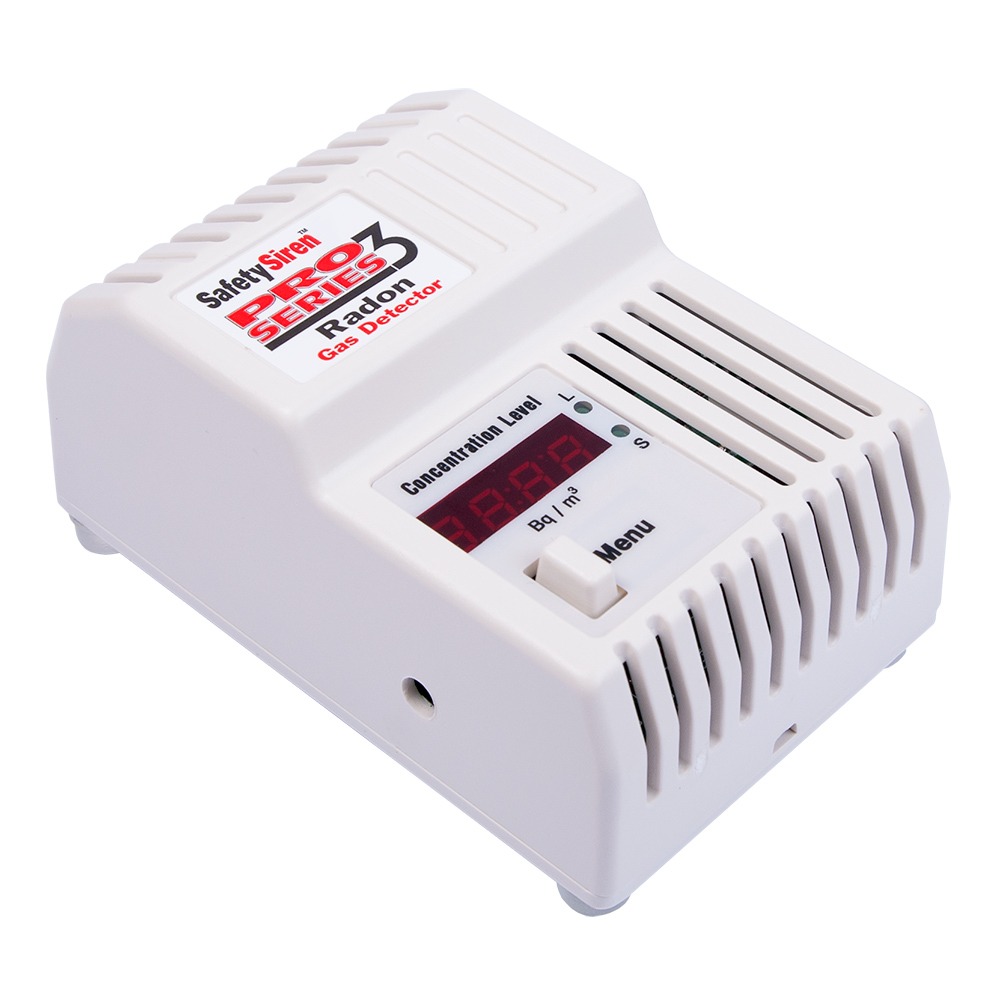
Safety Siren Pro Series3
Pros
- Continuous radon monitoring
- Two averages: 7 days and “since startup”
- Hourly reading updates
- Loud 85 dB alarm
- Simple single-button control
Cons
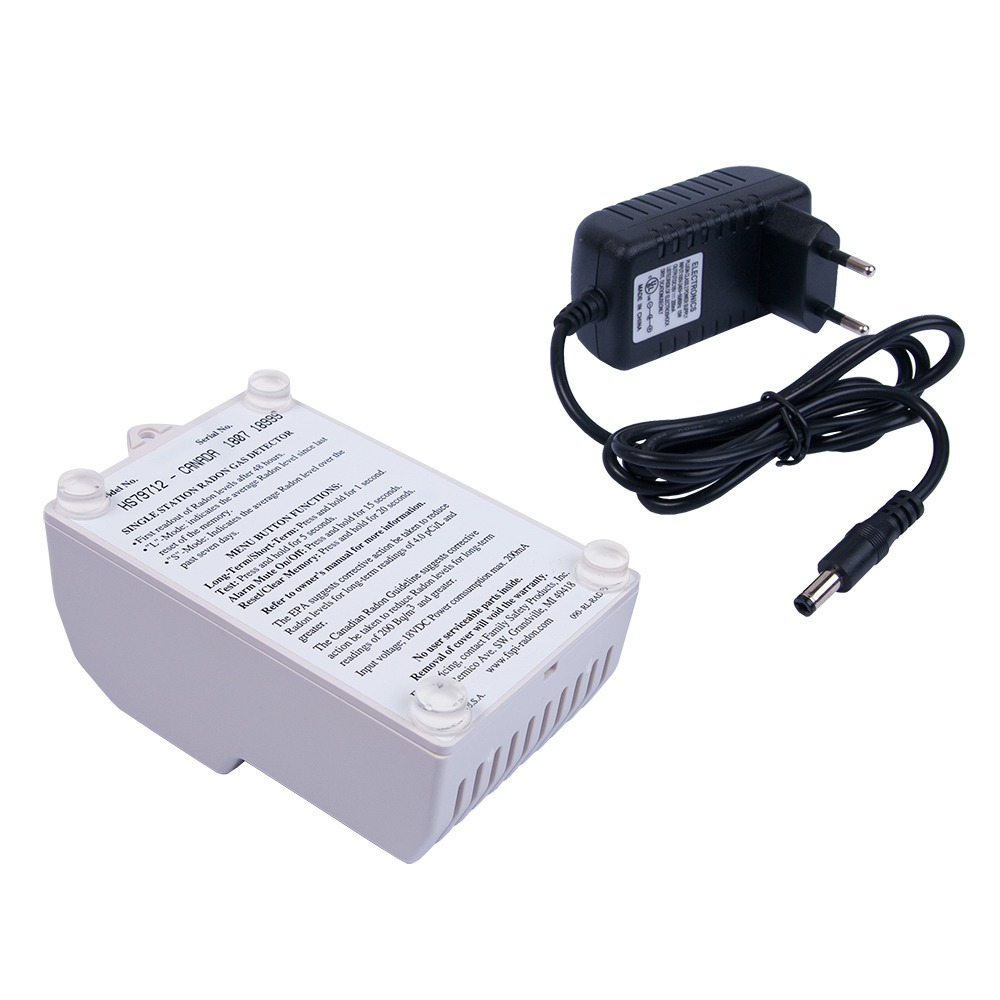
- Requires a nearby outlet
- No app or graphs
- “Consumer-grade” accuracy
Safety Siren Pro Series3: a “home radar” for radon
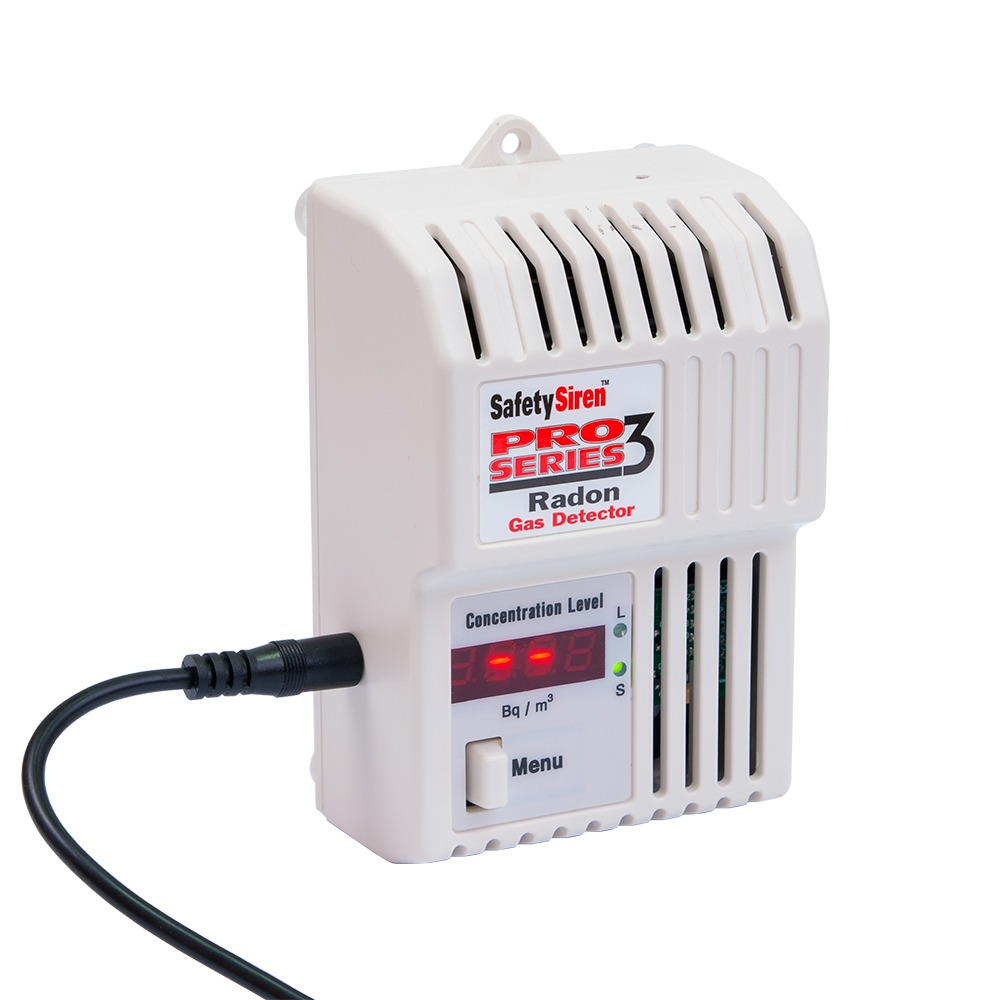
The Safety Siren Pro Series3 is a stationary electronic radon alarm and monitor for the home. Instead of performing a “one-time 48-hour test in a box,” it lives in your space and continuously displays the radon concentration in the air. That means you can see not only “what the level was,” but also “what’s happening now” after airing out a room, a change in the weather, sealing the basement, or installing a radon fan.

How it works: short term vs. long term
The Pro Series3 calculates two values at the same time:
- Short-Term is the average over the last 7 days (a good indicator of “weather and seasonal swings”).
- Long-Term is the average since the device was turned on or last reset (your “actual baseline” over the time you’ve lived there).
To switch between them, press the Menu button for about 1 second. An indicator next to the letter S or L shows which value you’re viewing.
Startup and the “first reliable readings”
When first turned on, the device runs a self-test (you’ll hear 4 short “chirps”), and the display will show “--” for a while. This is normal: the sensor needs to collect enough data. For a relatively accurate reading, it needs to run for at least 48 hours in one place.
After that, readings update every hour (if the level has changed).
Alarm: when it sounds and how to silence it (legally)
The Pro Series3 has an audible alarm (85 dB at 10 cm). An important detail: the threshold depends on the version and calibration (for the US, it is often set to 4 pCi/L; for Canada, to 200 Bq/m³). It typically works as follows:
- Long-Term: if it shows a high level, the alarm sounds immediately.
- Short-Term: the alarm sounds if a high level persists for 30 consecutive days.
In alarm mode, the device emits 4 short beeps and repeats them every hour until the level drops or you mute the sound.
To mute the alarm, hold the Menu button for about 15 seconds until Aoff appears on the display (you can turn the sound back on the same way; Aon will appear).
Resetting the memory: essential when moving the device
If you move the monitor to another room or floor, reset the memory; otherwise, for a while you’ll see a “jumble” of data from the old and new locations.
To reset, hold Menu for about 20 seconds. CL will appear, after which the device will clear its data and show “--” again for about 48 hours (while it collects a new sample).
Where to put it (and where not to): a straightforward guide
The recommended location is the lowest lived-in level of the home (often a basement or lower level). The device can sit face up on a flat surface or be mounted.
Distance guidelines (converted to metric):
- at least ≈ 0.9 m from doors, windows, or openings to the outside;
- at least ≈ 0.3 m from an exterior wall;
- at least ≈ 0.5 m above the floor;
- keep objects at least ≈ 10 cm from the housing (so the ventilation slots aren’t blocked).
Avoid drafty areas, places with high humidity or excessive heat, kitchens, bathrooms, laundry rooms, and locations near strong sources of electrical interference.
Maintenance and common errors (Err3 / Err4)
This is one of those devices that needs one simple thing: clean air and clean ventilation slots. The manufacturer recommends gently vacuuming the vents with an upholstery attachment every 3 months.
A self-test runs approximately every 24 hours. If something is wrong, you may see these codes:
- Err3 means “noise/interference”: move the device farther away from electronics, fluorescent lighting, and similar sources.
- Err4 means “sensor error”: disconnect the power for ~5 minutes and turn it on again; if the error recurs, replacement or service is needed.
Units of measurement: Bq/m³ and the “take action” threshold
Depending on the version, the Pro Series3 may be labeled and calibrated in pCi/L (often in the US) or Bq/m³ (Canada and international markets). For reference, 4 pCi/L ≈ 148 Bq/m³. In Canada, a threshold of 200 Bq/m³ is often used as the point at which to take action.
If you’re buying the device specifically for Ukraine or the EU, it’s convenient that Bq/m³ is already the familiar unit, with no need to convert it in your head.


Who it’s best for
- owners of detached homes or townhouses with a basement or lower level;
- people who have sealed or renovated their homes and want to see the effect in the readings;
- people who need a standalone monitor without Wi‑Fi, accounts, or “updates that broke everything.”
If you want hourly or daily history, graphs, phone notifications, and remote monitoring, consider a modern “smart” monitor instead. But as a reliable, simple, and loud home radon watchdog, the Pro Series3 does its job: it measures, averages, and warns you, asking for nothing more than an outlet and a little care in placement.
Official radon information: EPA: Radon